 IGUANIFY
AI Cast Generation: How to Build a Recurring Cast for Video
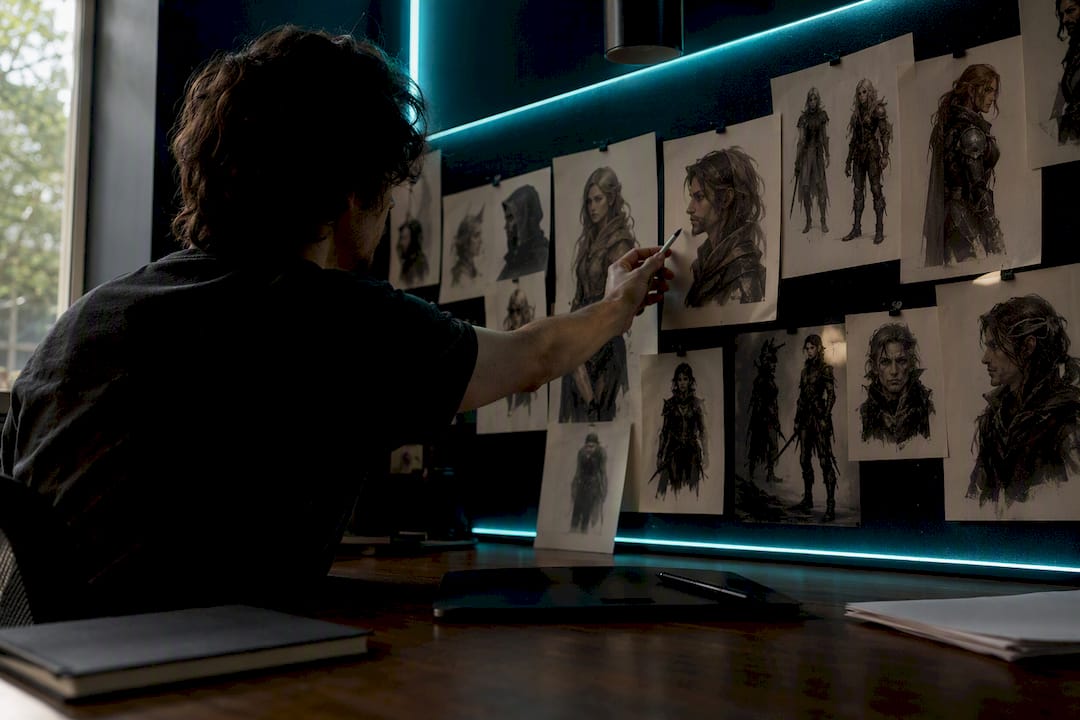
AI cast generation creates production-ready, reusable digital actors: multi-angle reference sheets, avatar videos, and voice assets you can export straight into an episode workflow. For serialized creators, that means you build a cast once and reuse it across every episode instead of re-designing characters from scratch each time.
Before you commit to a tool, check two things:
- Does it export a reference sheet (ideally 4K, multi-angle) you can hand to another AI video model?
- Does it come with a commercial license that covers the episodes and ads you plan to publish?
If a tool can’t answer both, keep looking.
Key Takeaways
AI cast generation succeeds when a locked reference sheet, a versioned voice profile, and a clear commercial license travel together as one exportable package.
| Point | Details |
|---|---|
| Outputs to expect | Reference sheets, avatar video, voice assets, and an export package with starter frames and metadata. |
| Follow the four-step workflow | Define the character sheet, generate references, lock identity, then export to animate. |
| Prevent character drift | Archive an 8-panel reference sheet and anchor every new shot with image-to-image techniques. |
| Check licensing first | Confirm commercial use terms, voice-clone consent, and run a manual likeness check before publishing. |
| Match the format to the tool | Serialized drama, reveals, ads, and podcasts each pull different value from the same locked cast. |
| Iguanify automates the full loop | It generates and locks a recurring cast automatically, then produces finished, creator-owned episodes from a single script. |
Table of Contents
- What Ai Cast Generation Actually Produces
- What’s the Typical Workflow From Idea to Export?
- How Do You Keep a Character Consistent Across Episodes?
- Licensing and Likeness Risk: What to Check First
- Where AI Cast Generation Fits: Episodes, Reveals, Ads, and Podcasts
- How Iguanify Handles Recurring Cast Production
- When Should You Choose AI Cast Generation Over a Traditional Shoot?
- Start a Pilot Episode and Test Your Cast With Iguanify
- Sources
What Ai Cast Generation Actually Produces
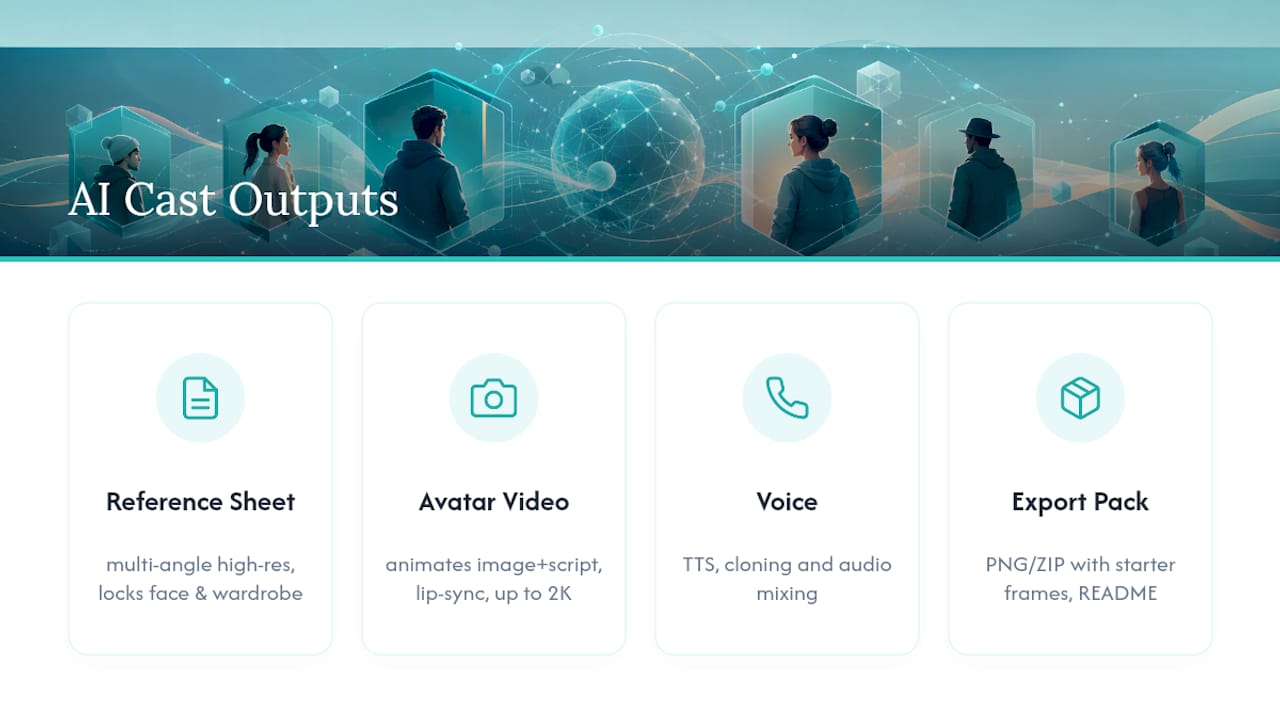
Most platforms in this category output four connected assets, not just a single portrait. First, a reference sheet: Cast advertises a multi-angle high-resolution reference sheet that locks a character’s face, wardrobe, and proportions from multiple angles so other tools can copy them exactly. Second, avatar or video output. VisionStory’s V-Character model takes a single character image plus a script or audio track and animates it with lip-sync and gestures, exporting at up to 2K.
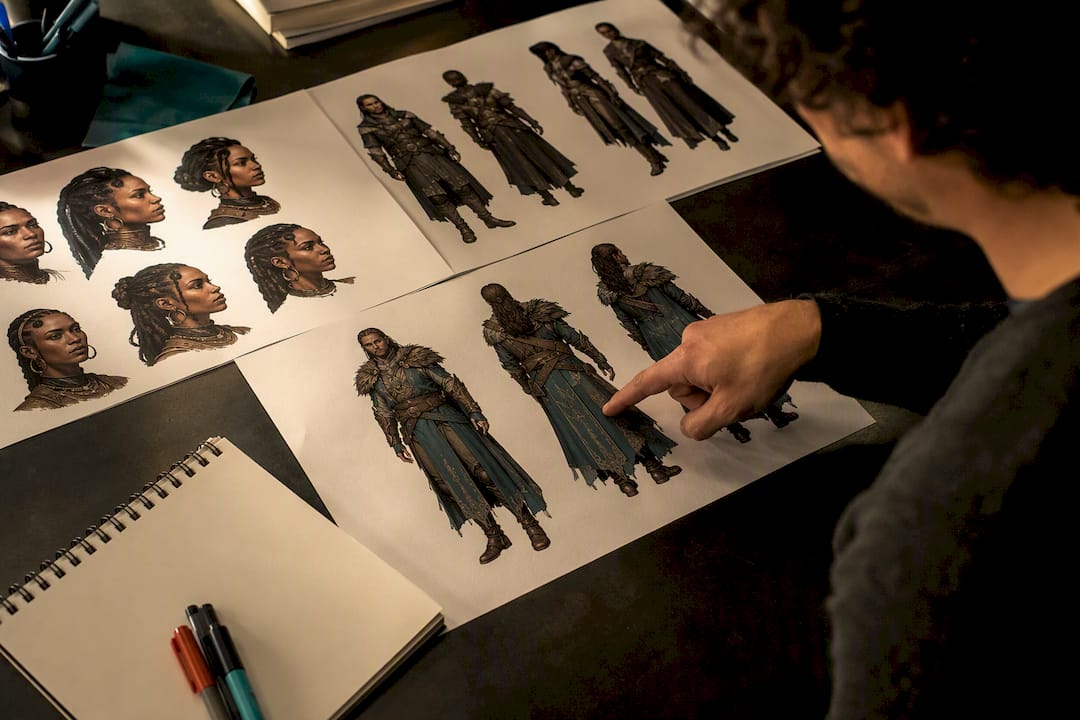
Third comes voice: text-to-speech, voice cloning, and audio mixing bundled together so a character sounds the same in episode one and episode twelve. Fourth, the export package itself. Serious tools ship PNG or ZIP bundles with starter frames, metadata, and a README explaining how to feed the assets into downstream animation models like Kling or Higgsfield.
Here’s the trust signal worth remembering: the presence of a starter frame and a README is a small detail, but it usually separates tools built for production from tools built for demos.
What’s the Typical Workflow From Idea to Export?
Building a usable cast follows a predictable sequence, and each step is fast enough to fit into a single afternoon.
- Define the character sheet. Write down personality, wardrobe, and archetype before you generate anything. This takes 10 to 15 minutes and saves hours of rework later.
- Generate references. Use a text prompt or upload source images. Adobe Firefly’s character generator supports iterative refinement here, so expect a few rounds of prompt adjustment, usually 20 to 30 minutes.
- Lock the identity. Save the reference grid, generation presets, and a voice profile as a single package. Treat this as the character’s permanent file, not a draft.
- Export and animate. Import the locked package into an image-to-video model or your editor. Open-source pipelines like Cast-Forge show how script, voice, and mixing steps chain together automatically once the cast exists.
Once the character sheet is locked, generating a new scene with the same cast usually takes minutes, not hours.
How Do You Keep a Character Consistent Across Episodes?
Drift is the biggest risk in serialized AI video. A character’s jacket changes color, their face shifts slightly, or their voice pitch wanders between episodes. The fix is treating each cast member as a persistent asset rather than a one-off image.
Start by archiving an 8-panel reference sheet with metadata attached. Practitioners in the space recommend logging wardrobe details, voice IDs, and archetype notes alongside the visuals so nothing has to be reconstructed from memory. Every new generation run should anchor back to that same reference sheet using image-to-image techniques, rather than starting from a fresh text prompt each time.
- Archive one canonical 8-panel reference sheet per character, plus a metadata file.
- Use image-to-image anchoring and the same starter frame for every new shot.
- Adopt strict naming and version rules, so “Character_v3_final” never gets confused with “Character_v2.”
- Export a single locked package that every episode pulls from.
Pro Tip: Before you commit to a full season, run a 30 to 60 second pilot episode using your locked reference package. If the face, wardrobe, and voice hold steady across three or four shots, you’re clear to scale. If they drift, fix the anchoring now, not after you’ve produced ten episodes.
Licensing and Likeness Risk: What to Check First
Publishing an AI-generated cast member without checking licensing terms is the fastest way to get a video pulled or, worse, a legal letter. Favor synthetic-first characters, meaning ones generated from scratch rather than modeled on a real photo, since vendors that advertise 0% likeness risk typically pair that with a commercial license and written indemnity.
Before you publish anything:
- Confirm the platform’s terms explicitly cover commercial use, not just personal projects.
- Check whether voice cloning requires separate consent or licensing beyond the visual character.
- Run a manual likeness check. Does the generated face resemble a public figure or a private individual closely enough to cause confusion?
- Keep a record of every license and export date in your asset library, so you can defend commercial use if a platform ever asks.
Where AI Cast Generation Fits: Episodes, Reveals, Ads, and Podcasts
Different formats pull different value out of the same underlying cast. Serialized vertical drama benefits most from a persistent cast paired with episode templates. You build the cast once, then run it through episode after episode without redesigning anyone.
Cast reveal videos lean on the reference sheet itself. Grid layouts, dramatic transitions, and teaser edits turn the character sheet into a marketing asset in its own right. Ads and user-generated content thrive on rapid persona swaps: generate five variants of a spokesperson and split-test which one converts, all from the same base identity.
Podcasts and multi-host audio formats use the voice side of the stack almost exclusively, benefiting from practical production and audio-post resources to create polished episodes. Synthetic hosts with distinct voice presets, run through Cast-Forge’s Gemini-to-ElevenLabs-to-FFmpeg pipeline, can produce a fully mastered episode without a single human voice actor in the room.
How Iguanify Handles Recurring Cast Production
Iguanify automates the entire episodic production process, turning a single line of script into a finished episode while keeping the same cast consistent from the first scene to the last. That’s the core problem this article has walked through, and it’s built into the platform rather than something you assemble from separate tools.
- Creators retain full ownership of every episode produced, with publishing paths for TikTok and YouTube already accounted for.
- Real-time production and instant delivery cut out the logistics that usually stall a solo creator between concept and a published episode.
- The cast persists automatically across episodes, so you skip the manual reference-locking steps described earlier in this piece.
When Should You Choose AI Cast Generation Over a Traditional Shoot?
Serialized drama, faceless channels, and ad variants with tight timelines are where AI casting earns its keep. A single-location prestige drama with a big budget still calls for a traditional crew and real actors.
If you’re unsure which camp your idea falls into, produce one pilot episode before committing to a season. It tells you more than any spec sheet.
— Leonard
Start a Pilot Episode and Test Your Cast With Iguanify
If you’ve been piecing together a reference-sheet generator, a separate voice tool, and a video editor, you already know how much time gets lost in the handoffs. Iguanify collapses all of it into one workflow: your cast, your script, and your finished episode come out of the same platform, with no editing team required in between.

You can generate a show concept and cast for free before spending anything, so there’s no risk in seeing whether your character holds up across a few scenes. When you’re ready to produce real episodes, credits work as a one-time purchase, not a subscription, so you pay for what you produce and nothing else. Start by building your cast and pilot episode on the AI Drama Generator page, or check the ReelShort-style workflow guide if you’re producing short vertical episodes for TikTok or Instagram first.
Sources
- Cast — AI Character Casting Agency for Video Production
- AI Character Video Generator: V-Character 4.0
- PranayHaldiya/Cast-Forge