 IGUANIFY
Top 5 Best AI Video Generator Alternatives 2026

Choosing an AI video generator that fits your style, workflow, and ownership needs is harder than it looks. Many platforms lock creators into subscriptions, restrict commercial rights, or limit output formats for different channels. This comparison highlights price, output control, and content rights so creators and teams can match an alternative to their production and publishing style.
Table of Contents
Iguanify
At a Glance
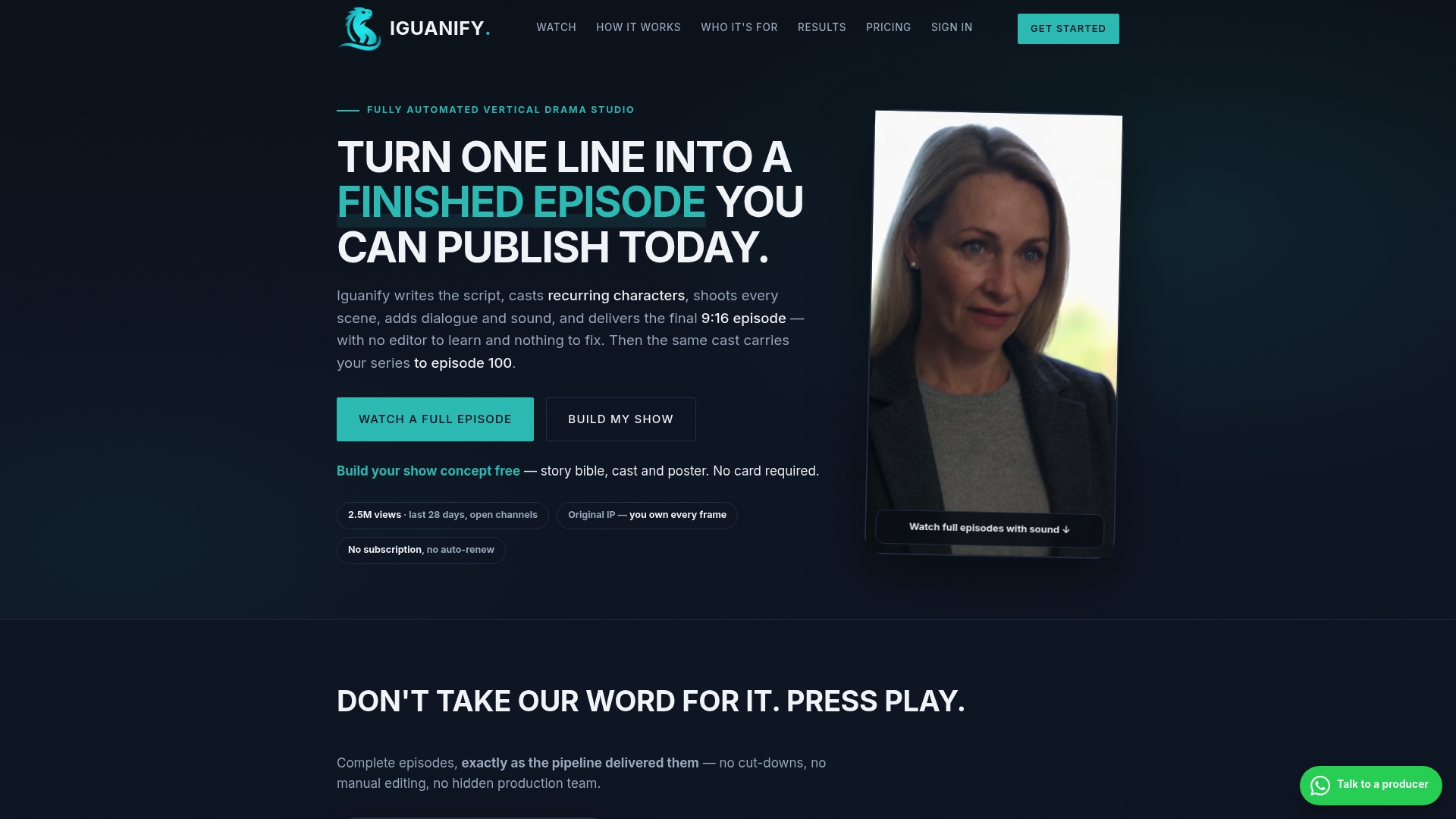
No subscription fee and credits never expire. Creators pay per episode or by season pack, and the platform claims full publishing rights for produced episodes. The service produces short vertical episodes formatted for 9:16 social posting and hands over commercial ownership on delivery.
Core Features
Iguanify automates episode creation from a single premise through scriptwriting, casting, shooting, sound, and editing, so creators do not perform manual edits. It maintains a consistent recurring cast and an ongoing story arc across episodes to preserve continuity across a season. Outputs are formatted for vertical short form and include quality control gates with refunds if an episode fails those checks.
Key Differentiator
Iguanify automates the entire serialized micro drama workflow from premise to publish while keeping cast continuity across episodes. That approach removes the typical continuity gaps you see in piecemeal AI clips and replaces ad hoc production with a repeatable series model. The platform focuses on short vertical dramas designed for social channels so you can build a recurring asset rather than one-off videos.
Pros
Creators receive full commercial rights to every episode, which lets you monetize and reuse the IP without additional license complexity. The pay structure is flexible with no subscription obligation, and credits never expire so production pacing stays under your control. The system enforces quality control gates and offers refunds for episodes that do not pass those checks. Iguanify’s marketing materials state millions of views on partner channels since launch, which suggests the concept has distribution reach on real channels.
Cons
- Output currently limits nuanced scene scripting and advanced visual effects while deeper scene complexity is under active development.
Who It’s For
This platform fits content creators, faceless drama channels, and small regional publishers who need serialized short form video assets without a production crew. It also suits social media publishers wanting owned episodic IP ready for TikTok, YouTube, and Instagram. Teams that need total editorial ownership and per-episode purchasing will find the model matches their workflow.
Unique Value Proposition
No subscription fee and ownership on delivery change the economics of serial content. You pay per episode or pack and keep full rights, which reduces overhead and avoids long-term platform lock in. That model makes it straightforward to test premises, bank episodes as owned assets, and scale a channel without a retained production staff.
Real World Use Case
Iguanify’s marketing materials state creators can produce episodes automatically in about an hour each. A creator defines a premise, buys a season pack or episode credits, and the platform outputs a publish-ready vertical episode with the same cast and story beats. The creator then posts to TikTok and YouTube, owning the IP and any downstream monetization.
Website: https://iguanify.com
Synthesia
At a Glance
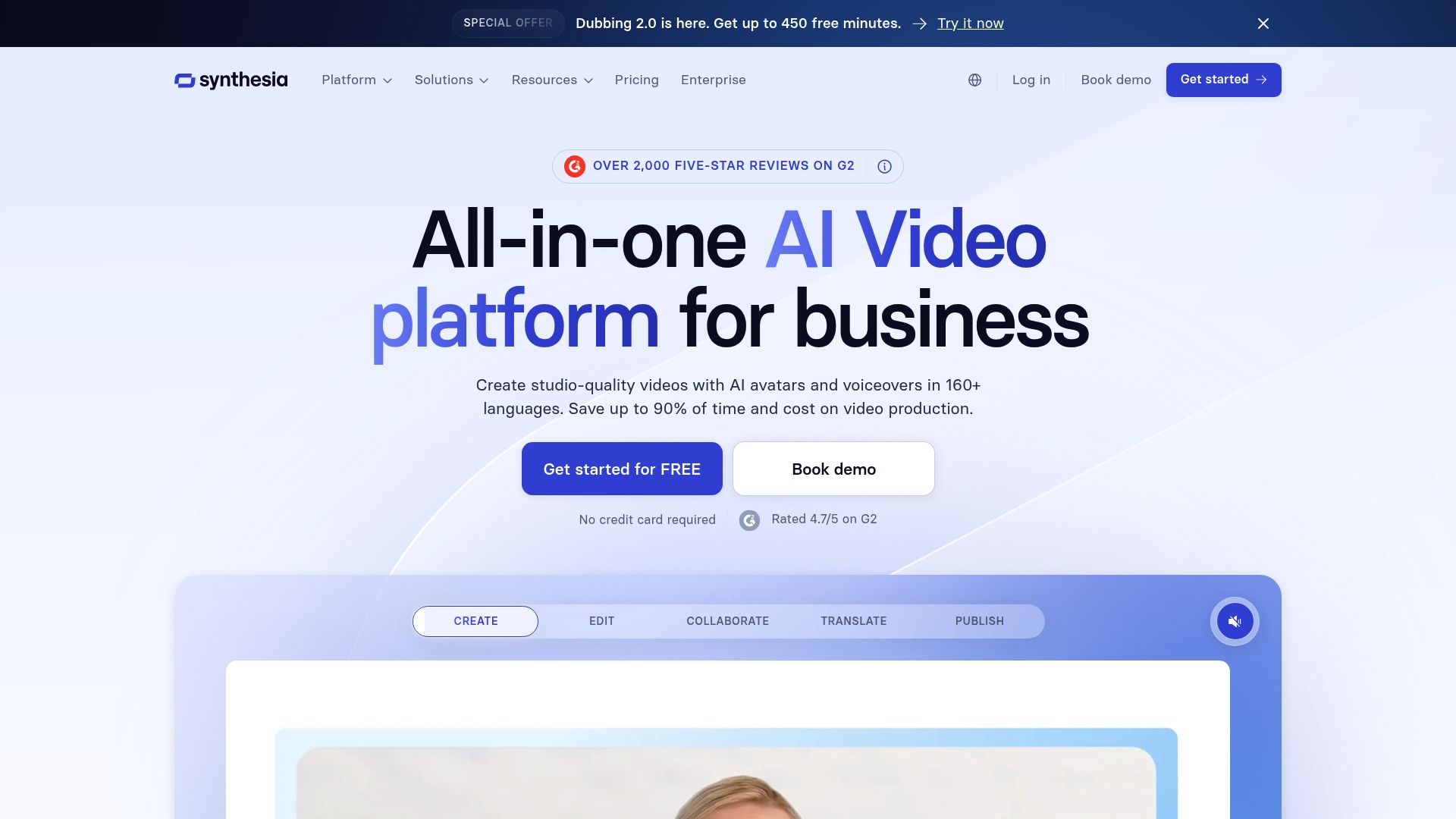
Synthesia supports video generation in 160+ languages and offers 240+ avatars with more than 1,000 AI voices. The platform bundles creation, localization, and content management so teams can produce localized video at scale. Its collaboration tools include live team editing and comments for faster review cycles.
Core Features
Avatar creation includes a large catalog of ready made presenters and a wide selection of synthetic voices, which teams use to match tone and region. Multilingual workflows cover translation, dubbing, and a video translator that preserves timing and captions. The platform also provides version control, brand kits, analytics, and team editing so multiple contributors can manage a project inside a single account.
Key Differentiator
Synthesia combines expressive avatar options with built in localization and content management in one environment. That mix targets organizations that must deliver consistent messaging across languages and regions rather than teams focused on episodic storytelling. Compared with Iguanify, Synthesia prioritizes broad language support and enterprise controls over continuity across recurring fictional characters.
Pros
The interface is accessible so nontechnical staff can start producing video quickly and without training. The platform offers a large library of presenter avatars and many voice choices to increase engagement. The vendor advertises production time reductions of up to 90%, which explains why teams use it for fast turnarounds and localized campaigns. The company states compliance with SOC 2, GDPR, and ISO 42001, which appeals to regulated organizations and internal comms teams.
Cons
- Content moderation rules can be broad and block legitimate scripts, interrupting editorial workflows.
- Render times rise noticeably for longer or feature rich videos, which delays publishing schedules.
- Avatar tone and delivery sometimes feel less human, requiring extra edits to match corporate voice.
- Account cancellation and subscription changes are reported to be non intuitive and time consuming.
When It May Not Fit
If your work depends on highly scripted, nuanced human performance, Synthesia may fall short. Projects that demand full actor like improvisation or subtle emotional interplay may need live talent. If you require instant renders for long videos, the reported render times make this a poor match.
Who It’s For
Teams and organizations that need scalable, efficient video production and broad localization support will find value here. Marketing, training, and HR teams that publish the same message across regions benefit from centralized brand controls. Companies with compliance requirements will value the platform security claims and enterprise features.
Real World Use Case
A multinational corporation reports using Synthesia to produce onboarding videos across multiple languages, and the company says it cut production time from weeks to days. The central brand kit kept visuals consistent across regions while local teams reviewed translated scripts through the platform.
Pricing
A free plan is available with limited features. Paid plans start at $19/month for individual creators, with enterprise options and custom pricing for larger teams.
Website: https://synthesia.io
RunwayML
At a Glance
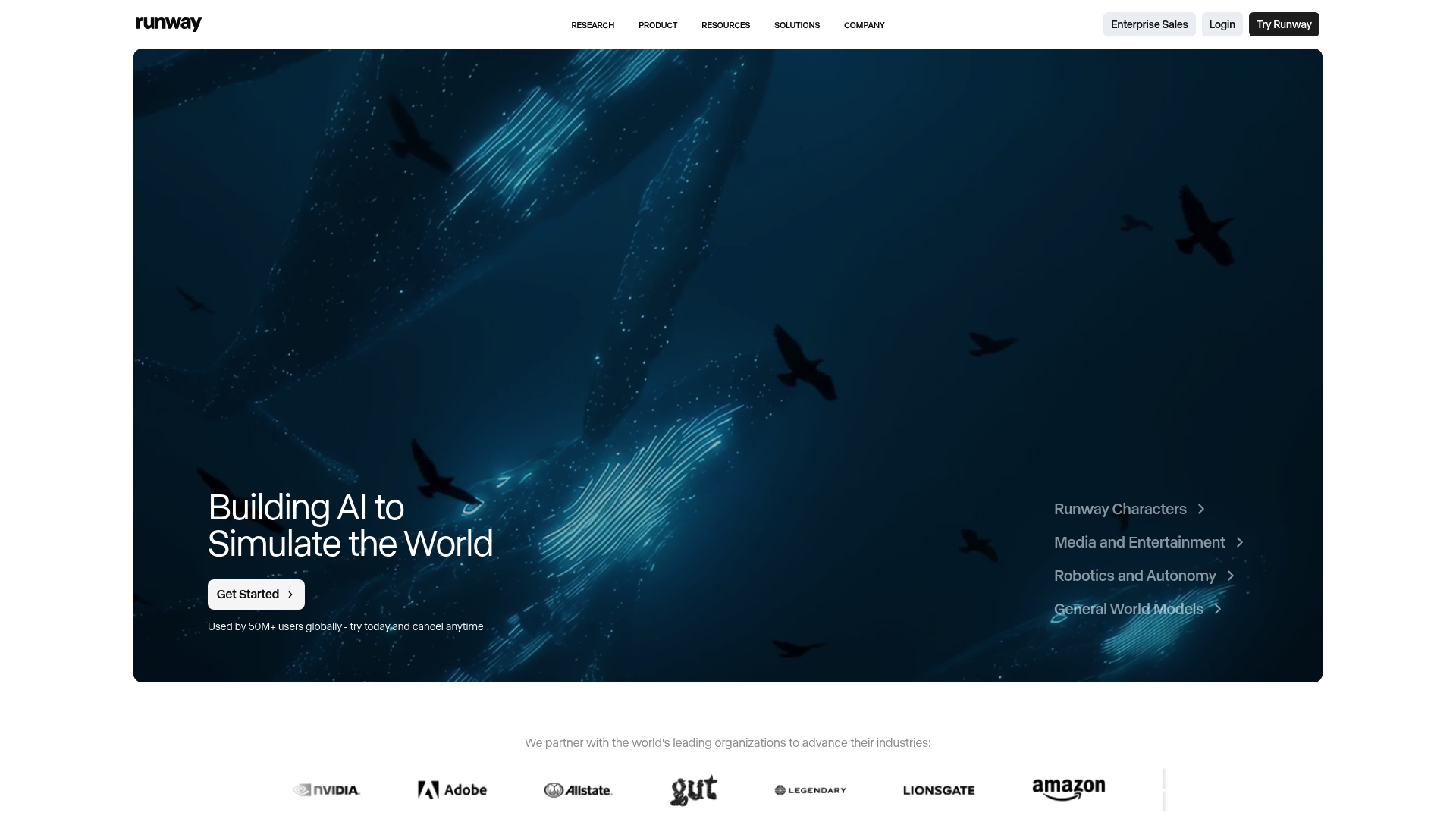
Free tier offers 125 credits for media generation, which gives creators a hands on way to test workflows. The platform exposes several flagship models such as Gen 4.5 and Aleph 2.0 for image and video tasks. RunwayML also advertises enterprise capabilities with SOC 2 Type II compliance for larger deployments.
Core Features
RunwayML combines cloud based tools for generating and editing video, images, and audio into a single workspace. It provides access to a catalog of models including Gen 4.5, Aleph 2.0, and Seedance 2.0, and lets you chain models and modalities into custom workflows. The platform supports real time conversational characters, simulation and robotics policy inference, plus developer SDKs and API access for automation.
Key Differentiator
RunwayML centers on general world models that aim to perceive, simulate, and act within visual environments. That research focus makes it a stronger fit for teams that need simulation or developer grade model control. It serves a different audience than episodic content tools like Iguanify by prioritizing model chaining, developer access, and enterprise scale.
Pros
RunwayML offers a broad toolset for creators and developers who want multi modal media production in one place. The interface lowers the barrier for teams to combine video, image, and audio models while API and SDK options let engineers automate pipelines. Enterprise buyers gain scalability and security features such as SOC 2 Type II and single sign on, and the vendor highlights ongoing research into general world models.
Cons
- Output quality and prompt adherence vary across models, which creates reliability risks for tight production schedules.
- The credit based pricing can become expensive for heavy or long term users, adding unpredictable costs.
- Several users reported slow or difficult customer support, which can slow troubleshooting.
- Managing many models and custom workflows has a learning curve that may frustrate beginners.
When It May Not Fit
If you need predictable, highly consistent outputs for daily social clips, the reported variability may be a problem. Teams on a tight budget will find the credit system costly for sustained use. Smaller creators who want a turn key episodic workflow with guaranteed continuity will likely prefer a tool focused specifically on serialized delivery.
Notable Integrations
- API access to models and workflows for programmatic generation and orchestration.
- SDKs for developers including React and Python to embed model calls into apps.
- Embedded widgets for web integration to display or trigger media generation from a site.
Who It’s For
RunwayML fits creative professionals and development teams that need flexible model access and automation. It also suits enterprises that require security controls and volume credits for large scale media projects. Developers who build simulations or use synthetic data will find the model chaining and SDKs particularly useful.
Real World Use Case
According to the company, a creative studio used RunwayML to generate realistic video content for advertising, reducing production time from weeks to days while maintaining high visual fidelity. That example shows how model combinations and automation can cut manual compositing and reshoot costs. The same pattern works for prototype interactive characters and synthetic training data.
Pricing
The platform offers a free tier with 125 credits and paid plans starting at $12/month for standard and $28/month for pro. Credits are consumed for media generation and can be purchased separately. Enterprise plans are customizable with volume credits, dedicated support, and security features.
Website: https://runwayml.com
Pika

At a Glance
Pika reports a mix of image to video, text to video, and experimental real time effects that make quick social clips with stylized motion. The app exposes custom AI agents and an API so teams can bake generation into existing workflows. Expect tools aimed at trend driven content rather than tightly scripted studio shoots.
Core Features
Pika combines image to video and text to video generation with a set of creative effects. The platform offers special effects branded as Pikaffects, video editing tools like Pikaswaps and Pikatwists, and trend oriented tooling such as AI Trendmaker. It also supports custom AI agents for collaboration and a dedicated API for integration into publishing pipelines.
Key Differentiator
Pika owns proprietary video models that let it produce effect driven outputs that differ from plain frame synthesis. That proprietary model set focuses on stylized motion and editable scene components. This makes the product useful when you want material that reads as intentionally stylized rather than photorealistic.
Pros
Pika delivers strong image to video and animation quality that works well for short social clips and reels. The toolset groups effects, scene editing, and template driven outputs so creators can iterate fast without rebuilding every asset from scratch. API access lets developers plug generation into scheduled pipelines or content tools, which suits small teams building repeatable formats.
Cons
- Prompt adherence problems reported by users can make precise scripts difficult to achieve for high fidelity brand work.
- Credit based usage grows expensive for heavy production, so frequent creators may see high monthly spend.
- Several users have described a confusing subscription cancellation flow that risks accidental charges.
- Support responsiveness issues appear in reviews, which can slow down urgent fixes or troubleshooting.
When It May Not Fit
If your project requires exacting prompt fidelity and frame by frame control, Pika may not meet that need. The credit driven cost model and reported cancellation friction make it a poor match for casual hobbyists who publish infrequently. Production teams that require enterprise grade support and guaranteed SLAs will likely need a different vendor.
Who It’s For
Pika suits creative professionals and social media content producers who prioritize fast, stylized output and trend participation. Small marketing teams that iterate daily on short form content will get the most mileage. Developers and product teams can use the API when they need embedded generation inside apps.
Real World Use Case
A small marketing team uses Pika to turn campaign images into 15 second social videos with stylized effects and trend tags. They build a quick template, automate batch generation through the API, and run several versions to test platform placement. That workflow cuts manual editing work and speeds up content testing.
Pricing
Pika offers a free core plan with usage limits and paid plans starting at $8/month that add credits and features. The product also sells additional credits for burst work or large batches. Pricing can grow quickly for heavy use because of credit consumption and top up costs.
Website: https://pika.art
Crreo AI
At a Glance
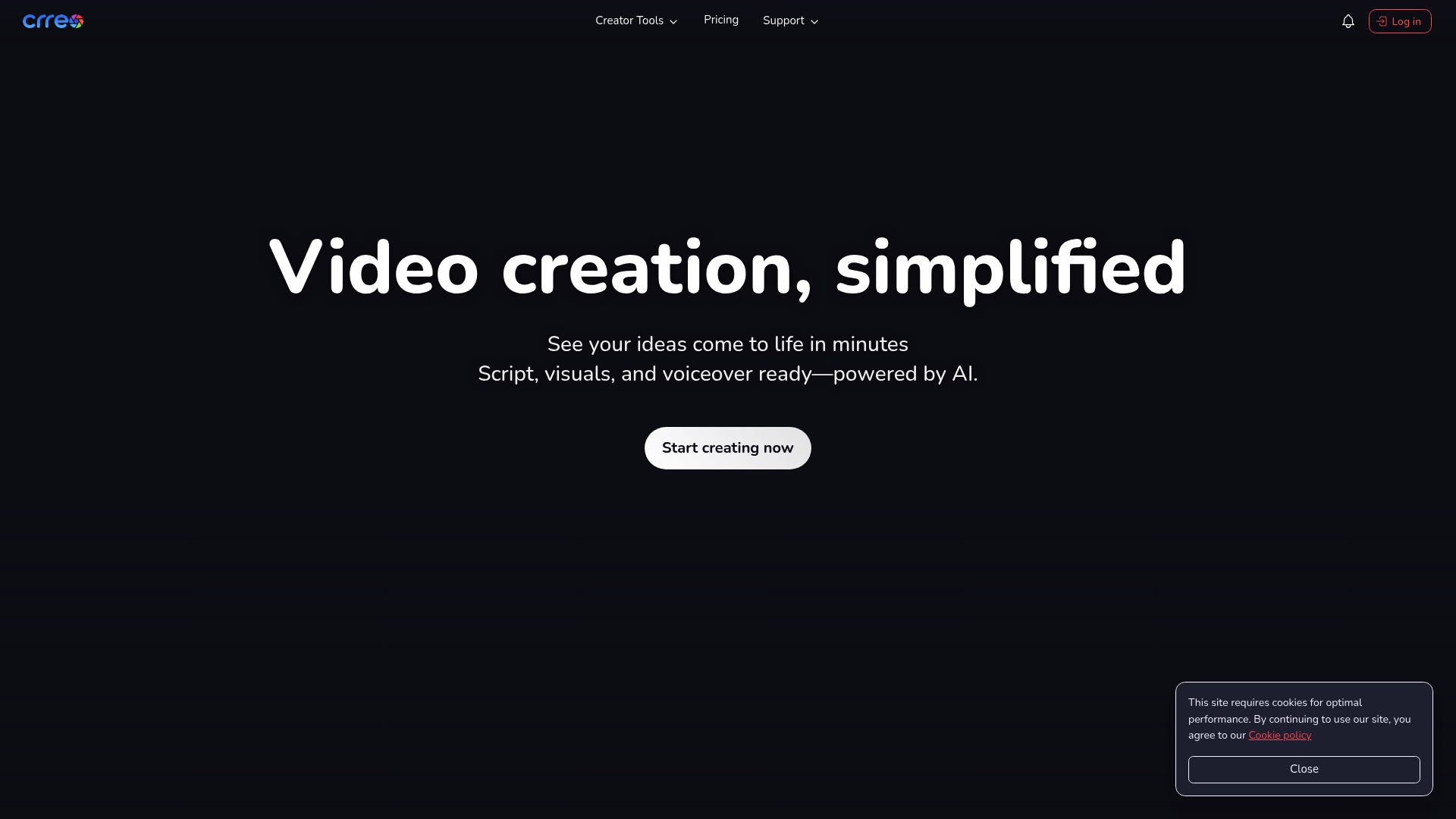
Supports long-form videos up to 30 minutes. Crreo AI targets creators who need full-length videos rather than quick social clips. It converts scripts into visuals and voiceovers so you can produce episodes in minutes with minimal setup.
Core Features
Crreo AI generates scripts, visuals, and voiceover tracks from a single input and assembles them into a finished video. The platform offers multiple visual styles, including photo-realistic, cinematic, and cartoon, and it lets you customize characters, scenes, and thumbnails using simple text prompts. It also exports projects with or without watermarks depending on the plan and supports publishing formats for YouTube, TikTok, Instagram, and LinkedIn.
Key Differentiator
Crreo AI automates the whole production line from script to publish, reducing manual editing work and creative handoffs. The vendor highlights advanced AI models that aim to keep visual and audio fidelity high while requiring little user intervention. That approach narrows the tool toward creators focused on producing long-form episodes quickly rather than hand-editing every frame.
Pros
The vendor advertises up to 43% savings on annual billing for paid plans, which can lower ongoing costs for frequent producers. The interface requires no technical skills, so individual creators and small teams can move from idea to export without training. Paid plans grant full ownership of produced videos, which matters when you need commercial rights and clear IP. Styling options and longer duration support make this practical for educational series, explainers, and marketing content.
Cons
- Limited short-form workflow support: creators focused on rapid vertical clips may find the feature set oriented toward longer formats.
- Watermarks on lower tiers: free and basic plans export with watermarks, which affects professional branding in samples or drafts.
- Sparse integrations and advanced edit tools: third-party connectors and deeper editing features are not fully detailed and may require higher-tier plans.
When It May Not Fit
If your team depends on tight short-form workflows or rapid vertical editing, this product may not match that cadence. If you need many third-party integrations for publishing, analytics, or asset libraries, this product lists limited connection options. If your process requires frame‑level editing or advanced compositing on a budget, you will likely need a separate editor or a higher plan.
Who It’s For
Solo creators, educators, marketers, and compact content teams who prioritize long-form episodes will get the most value. Producers who want a low-setup path from script to finished video and who accept AI-driven assembly over manual editing are the best fit. Teams that must keep commercial rights will benefit from paid plans that transfer ownership.
Real World Use Case
A YouTuber can draft a lesson script, let Crreo AI generate visuals and a voiceover, then export a thumbnail and publish without hiring talent or editors. A marketer can produce explainer videos for product pages and repurpose the same footage for LinkedIn and Instagram with minor format adjustments. That workflow frees time for planning series cadences and measuring audience retention.
Pricing
Plans start with a free tier and progress through paid subscriptions. The vendor lists Start at $9/month, Grow at $18/month, Pro at $29/month, and Ultra at $45/month, all billed annually. Higher tiers remove watermarks and increase video duration and advanced features.
Website: https://crreo.ai
Comparison of alternatives
Serialized drama continuity and creator ownership define Iguanify’s specialty, making it distinct among video generators tailored for social channel use. Yet alternative platforms excel in other dimensions that may better suit varied creative priorities.
Serialized Production Versus Localization Scale
Where Iguanify focuses on serialized drama with character continuity, Synthesia shifts toward scalable localization workflows. Synthesia supports over 160 languages and numerous presenter avatars, enabling multicultural campaign deployment. However, its subscription model contrasts with Iguanify’s permanent credit usage structure, imposing potential renewal costs.
General Model Flexibility Versus Episodic Focus
Platforms like RunwayML offer advanced tools for model chaining, enabling diverse media tasks and integration capabilities through APIs and SDKs. These tools are tailored for developers needing intricate synthetic workflows. In contrast, Iguanify simplifies episodic production while providing consistent storytelling in a vertical video format, without comparable support for complex modular workflows.
Stylized Output and Social Reel Creation
Pika delivers stylized effect-specific video production suitable for eye-catching social media clips. While this caters effectively to trend-heavy formats, it contrasts with Iguanify’s approach, which prioritizes serialized drama continuity and straightforward commercial rights acquisition.
Best fit
- Iguanify: Teams producing serialized vertical dramas prioritize character continuity and story arcs without subscription-related constraints.
- Synthesia: Organizational marketing departments aiming for multilingual video content with cohesive brand control tools benefit from its features.
- RunwayML: Development teams and enterprises requiring scalable multimodal workflows excel with its SDK and API access for model-based media creation.
- Pika: Social media content producers demanding quick stylized and trend-driven videos stand well-suited to this platform.
- Crreo AI: Creators focused on long-form video production with clear commercial rights find the duration and customization options beneficial.
Our pick
For creators concentrating on serialized video production with consistent character usage and a flexible credit-based purchasing model, Iguanify offers value. Unlike competitors, creators gain full commercial ownership upon delivery, making it advantageous for teams aiming to establish intellectual properties without subscription hurdles. Nonetheless, creators focusing on linguistic localization at enterprise scale may favor Synthesia instead as it suits those priorities better.
When selecting an AI video generator, understanding the unique value propositions and audience suitability of each tool is key to making an informed choice.
| Product | Core Feature | Best For | Pricing | Notable Limitation |
|---|---|---|---|---|
| Iguanify | Automates serialized micro drama creation | Social media publishers and creators | Price not published | Limited advanced visual effects |
| Synthesia | Multi-language video generation with avatar options | Organizations needing localization | From $19/month | Broad content moderation and render delays |
| RunwayML | Media generation workspaces with AI model chaining | Creative professionals and developers | Starting at $12/month | Managing models has a learning curve |
| Pika | Stylized and trend-driven video effects and tools | Short-form media and daily content | From $8/month | Prompt adherence issues affect scripts |
| Crreo AI | Long-form video creation with script-to-video capability | Educators and marketers producing longer videos | Starting at $9/month | Lacks short-form optimized workflows |
How To Solve Continuity Challenges With The Best AI Video Generators
Many creators struggle to keep consistent characters and storytelling across episodic content. This causes confusion and extra editing work with typical AI video tools that lack a serialised drama workflow. Iguanify addresses these pain points by automating episodes from one script line while maintaining cast continuity across the series. This removes the burden of manual editing and ensures a smooth narrative for your audience.
Key benefits include:
- Full ownership of the IP created
- Vertical formatting optimized for platforms like TikTok and YouTube
- Pay per episode or by season without subscriptions
If your goal is to build recurring assets without a production crew, see how Iguanify fits your workflow. Try producing serialized episodes where your original ideas become real shows ready to post with minimal effort.
FAQ
How does Iguanify automate the video production process?
Iguanify automates the entire episode creation process from scriptwriting to editing. It handles tasks such as casting and shooting to ensure creators do not perform manual edits. This system allows for a quicker production turnaround, making it easier for you to create serialized content efficiently.
What is the difference between Iguanify and Synthesia?
Synthesia excels at providing a large library of avatars and multilingual support, making it ideal for organizations needing consistent messaging across languages. In contrast, Iguanify focuses on automating serialized micro drama production, allowing you to create episodes with recurring characters more seamlessly.
Can I use Iguanify for producing long episodes?
Iguanify’s primary strength lies in its ability to generate short vertical episodes with a consistent cast and storyline. For creators focused on long-form content, exploring alternatives like Crreo AI, which supports full-length videos up to 30 minutes, may be beneficial.
Which platform provides better commercial rights?
Iguanify grants full commercial rights to every episode produced, enabling you to monetize and reuse the content without additional licensing complexities. This ownership model makes Iguanify an attractive choice for creators looking for complete control over their content.
What types of content are best suited for Iguanify?
Iguanify is best suited for creating serialized short-form video assets, particularly for social media channels like TikTok and Instagram. If your goal is to produce ongoing narratives with a consistent cast, Iguanify’s workflow is designed to meet those needs efficiently.