
APPLE M-SERIES
Apple Silicon
For Macs with Apple M-series chips.
Checking availability…Download for Apple Silicon
IGUANA ENGINE v3 / FOR MAC
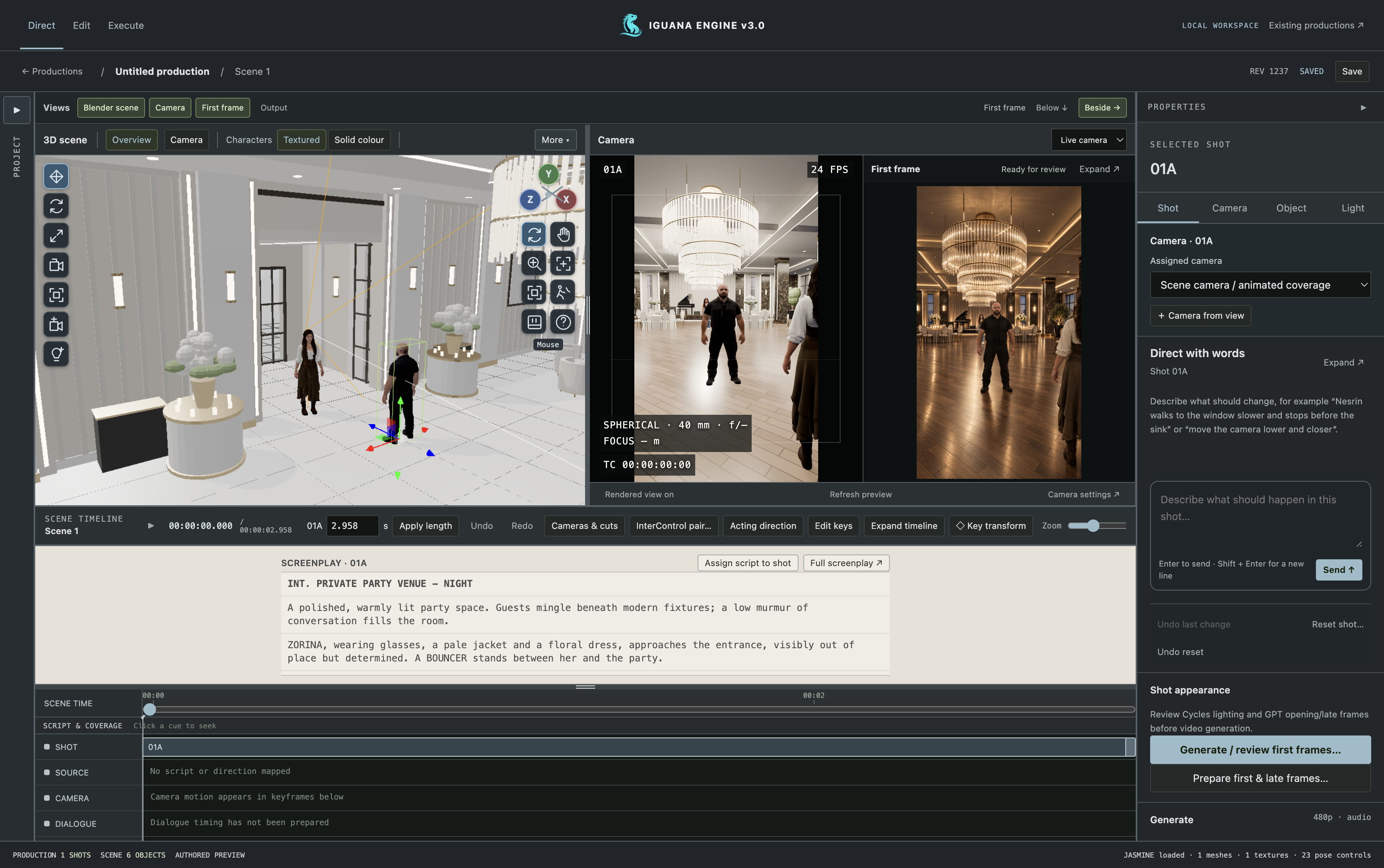
Your production, with a workspace to call home. Set up your projects, shape your scenes and keep your files organised.
Choose your download ↓macOS 13+ / Blender 5.2.x / Local project files
01 / GET IGUANIFY
The same production workspace.
A download for your hardware.
APPLE M-SERIES
For Macs with Apple M-series chips.
WINDOWS PC
Iguanify for Windows is coming soon.
Checking the latest Mac release…
02 / YOUR FIRST PROJECT
A short setup. A place for your next production.
Choose the release for your Mac and open the setup wizard.
Select Blender 5.2.x and your preferred language. English is available first; your preference is saved for future translations.
Select a local project folder. Keep sources, scenes, assets, exports and backups together.
Create an account, confirm your email and sign in. Enter your access code for a three-day Starter trial with 4.5 minutes of Seedance output.
Downloads become available after Apple notarization and release verification. Early access supports accounts, local projects and scene editing. Cloud generation and paid subscriptions are still in acceptance testing; saved trial codes start their three-day allowance when generation opens.
03 / MONTHLY OUTPUT PLANS
Completed Seedance output.
Visible usage. Room to create.
Prices exclude VAT, calculated at checkout where applicable. Allowances cover completed Seedance output; Wan remains separate. Track remaining minutes, active generation slots and reset times in your workspace.
The plan catalogue is loading. Paid subscriptions are not open in the distribution preview.