 IGUANIFY
Top 6 Synthesia Alternatives for Video Creation 2026

Producing episodic videos with consistent characters and story continuity without hiring a full production team remains difficult for publishers and content creators. Most tools drop character consistency or require manual editing, which breaks continuity and slows scaling for serialized video projects. This comparison covers pricing, automation, distribution, and content ownership across six alternatives so publishers and creators can pick a tool that fits their workflow and scale.
Table of Contents
Iguanify
At a Glance
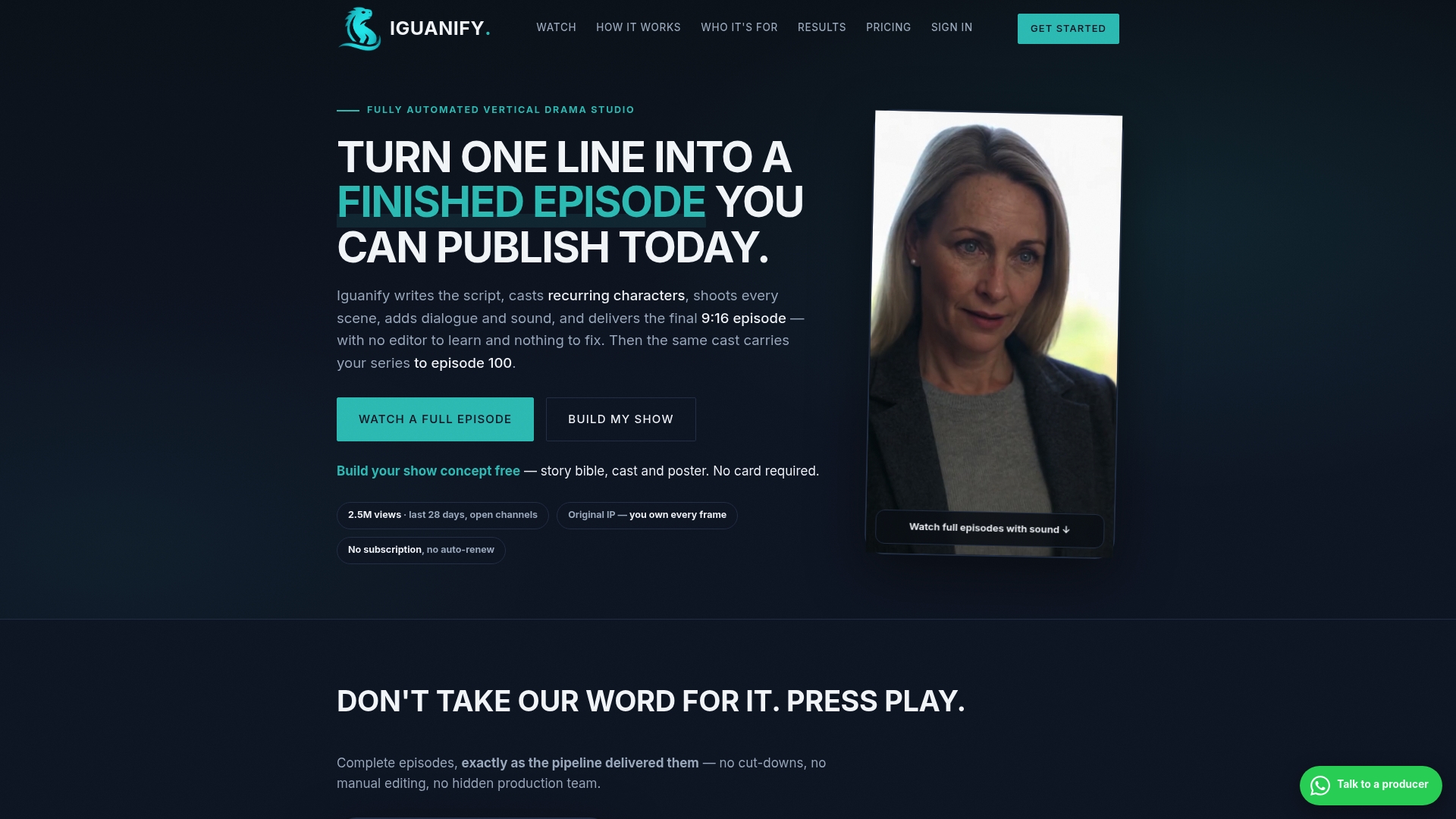
Produces fully finished, publish-ready episodes from a single premise, not just rough drafts. The system preserves a recurring cast so characters keep consistent appearances across episodes. Jobs include automatic quality checks and human review, with refunds issued for failed deliveries.
Core Features
Automated scriptwriting converts a premise into a full episode, and the service handles scene shooting and assembly without cameras or actors. Built-in season and series planning tools let publishers queue multiple episodes and scale from a pilot to an ongoing series. Multi-platform publishing support sends episodes directly to TikTok, YouTube, and Instagram.
Key Differentiator
End-to-end automation produces fully finished episodes from a single premise while preserving persistent cast and story continuity. That guarantees episode-to-episode character consistency, which most AI video tools do not maintain. The focus on serial coherence reduces manual editing and continuity fixes for publishers producing episodic content.
Pros
Full automation cuts production time dramatically by removing camera crews and editors, letting publishers move from idea to episode in hours. Episodes can be purchased as one-time credit packs with no subscription fees, and standard-quality output is roughly $34.99 per episode. Creators retain full ownership of produced content and rights, which simplifies licensing and monetization. Iguanify reports 5.4M views for partners, which shows the platform can reach audience scale for some publishers.
Cons
- Deeper scene complexity and advanced storytelling features are still under development.
Who It’s For
Publishers, content creators, community page owners, and media entrepreneurs who need serialized video without hiring a production team. It fits teams that want to test episodic concepts quickly and keep IP ownership. It also suits creators focused on faceless or localized drama series for social platforms.
Unique Value Proposition
Full ownership of produced content and rights lets publishers control licensing, ad revenue, and distribution. One-time credit packs with no subscription fees allow you to buy a pilot episode or a full season outright. That payment structure reduces ongoing costs and lets small publishers scale episodic output while keeping monetization options clear.
Real World Use Case
A regional publisher orders a weekly serialized drama pack, then publishes each episode directly to TikTok and YouTube. The team skips location shoots and actor casting, and it keeps complete IP rights for later licensing. Episodes ship with continuity intact, which preserves viewer engagement across a season.
Website: https://iguanify.com
D-ID
At a Glance
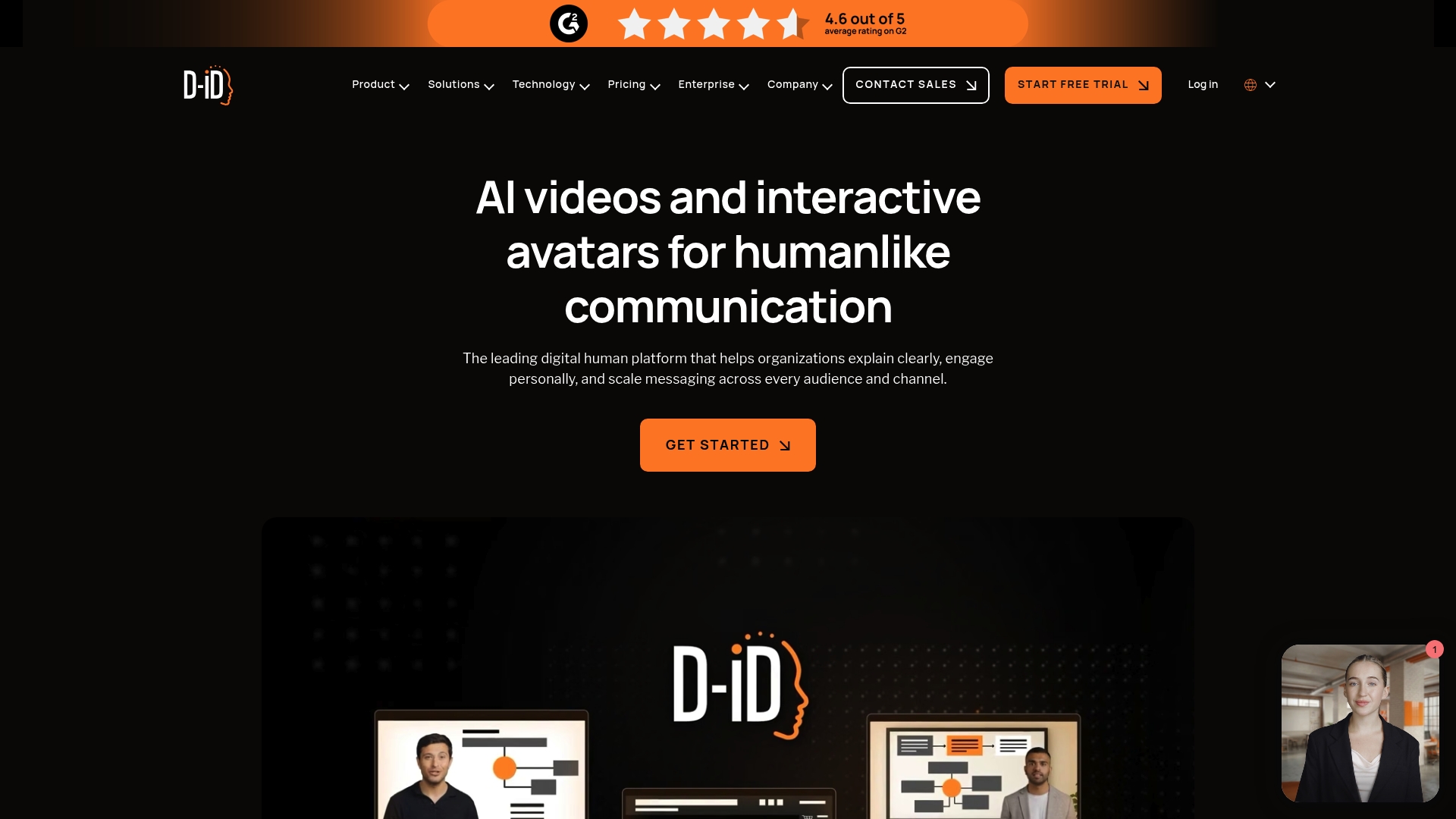
D-ID reports support in over 120 languages for real time multilingual video and avatar delivery. The platform advertises live streaming and conversational agents plus an API designed for enterprise workflows. That combination targets global training, marketing, and customer experience programs seeking scalable visual agents.
Core Features
Create high quality AI videos and avatars quickly while configuring appearance to match brand identity. Deploy real time conversational agents that use facial animation and lip sync alongside a developer friendly API for integration into existing workflows. The vendor also emphasizes multilingual output and enterprise deployment options for large scale use.
Key Differentiator
Real time streaming and live conversational capability set this product apart from many avatar tools. The system pairs facial animation, lip sync, and live output to let teams run interactive sessions rather than only pre recorded clips. That focus on live visual agents suits programs that require synchronous, humanlike responses.
Pros
The interface is intuitive enough for producers to assemble video assets without a full production crew. Visual quality and lip sync work well for straightforward expressions, which helps marketing and learning teams produce polished content faster. Developers gain access to a documented API that simplifies embedding avatars into apps and learning management systems, and the platform aims to lower traditional filming costs.
Cons
-
Avatar detail can be inconsistent when rendering complex expressions, which affects emotional nuance.
-
Subscription and usage costs are high for teams that need enterprise level features and heavy API use.
-
Some users report audio synchronization and lip sync errors during certain clips or live sessions.
-
Free or trial capabilities are limited, leaving full evaluation behind paid plans and adding friction for small teams.
When It May Not Fit
You should not pick this if your team cannot absorb higher subscription or per minute usage costs. Smaller creators who need a free trial long enough to test edge cases will find the gating frustrating. Also avoid it if flawless facial fidelity and perfect lip sync are requirements for every deliverable.
Notable Integrations
-
Microsoft PowerPoint
-
Canva
-
Google Slides
-
LMS platforms
-
Email marketing tools
Who It’s For
Large organizations and developer teams building scalable, branded AI video and avatar programs will get the most value. If you manage global learning, customer support automation, or multilingual marketing, this product fits an enterprise deployment model. Smaller one person studios may find costs and limited trials a mismatch.
Real World Use Case
A multinational corporation uses D-ID to produce onboarding videos in multiple languages and to replace studio shoots for recurring updates. The company also deploys interactive avatars on support pages to answer common questions, which reduces live agent load for routine inquiries.
Pricing
Pricing splits across Studio and API options with tiered terms for enterprise deployments. See the vendor site for current tiers, usage rates, and enterprise licensing details.
Website: https://d-id.com
Crreo
At a Glance
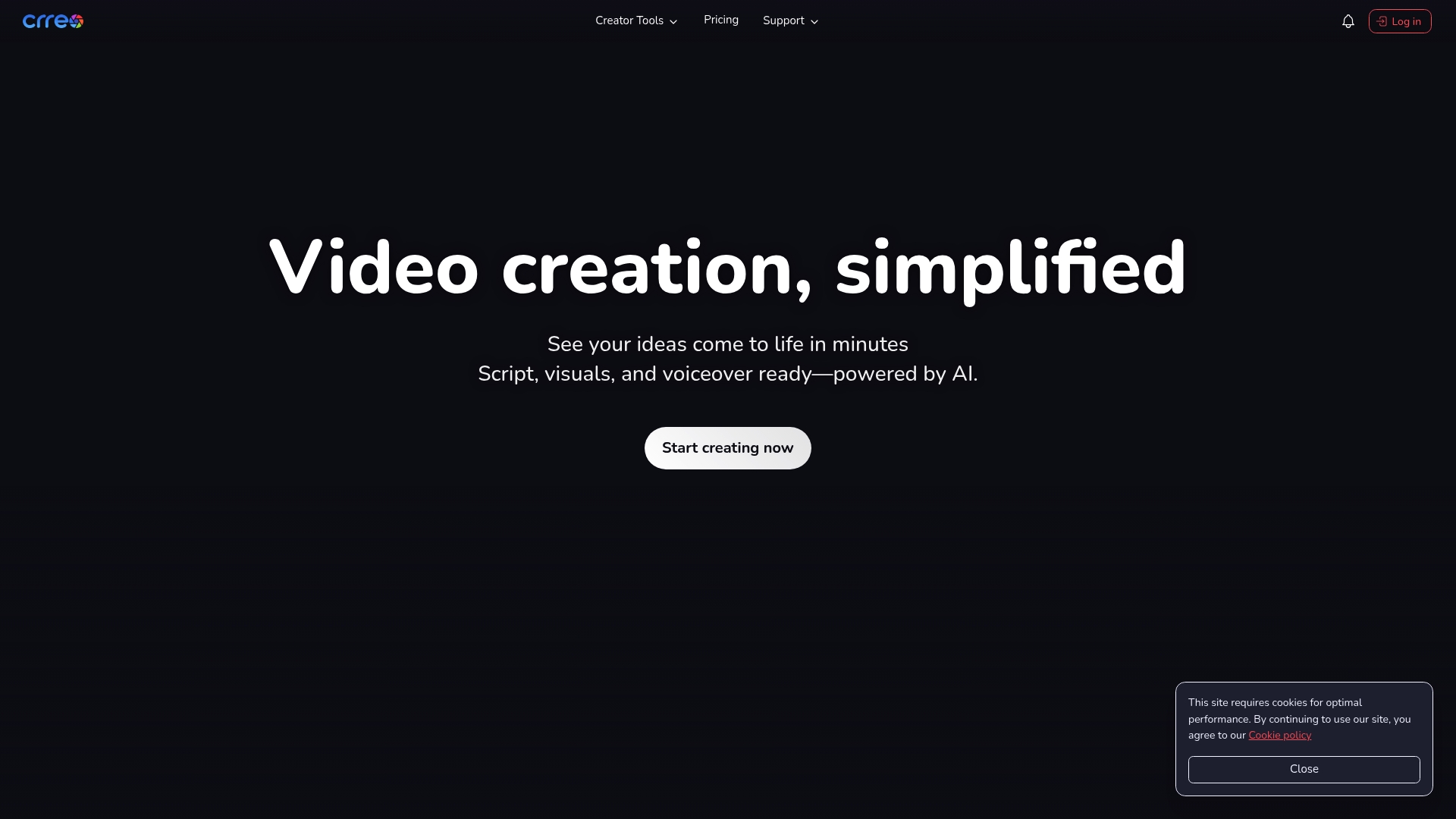
Crreo supports videos up to 30 minute in length, letting creators produce full lessons and stories without stitching clips. The tool auto generates scripts, visuals, voiceovers, music, and thumbnails from a single idea. That scope makes Crreo unusual among AI video tools focused on short clips.
Core Features
Crreo combines AI generated scripts with automated visuals and voiceovers so you can move from idea to edit quickly. It offers multiple quality models labeled Kine 1.1 to 3.1 and a palette of styles such as cinematic, cartoon, watercolor, and cyberpunk. The platform also includes thumbnails, background music, transcription, and scene and character customization.
Key Differentiator
The standout is the platform’s focus on long form content production with an end to end workflow that covers scripting, visuals, audio, and thumbnails. That focus targets educators and storytellers who need consistent quality over longer runtimes. Crreo emphasizes automated control over voice performance and visual style so each video matches a clear creative direction.
Pros
The interface feels fast and intuitive, so you can prototype ideas without a steep learning curve. Reviewers report better perceived value and visual quality compared with some short clip tools. The tool supports complete content creation without requiring technical editing skills, which saves time on shoots and post production. Its support for longer videos keeps output quality consistent across extended lessons and episodes.
Cons
-
No documented user reported limitations appear in public materials, which makes it hard to judge edge cases.
-
Higher tier features and longer duration exports require paid subscriptions, so costs rise as you scale production.
-
The product listing does not show integrations or API access, limiting connections to established publishing workflows.
Who It’s For
You if you produce educational or storytelling videos and need a single tool to generate scripts, visuals, voice, and assets. You if you want to test multiple styles rapidly without hiring a production team. You if long form output matters more than short social clips.
Real World Use Case
According to the company, a YouTuber can produce 10 or more educational videos per week using Crreo’s automated scripts, visuals, and voiceovers. That claim shows how automation compresses production time for repeatable formats. For channel owners who publish regular lessons, the platform can replace several manual production steps.
Pricing
Crreo uses free and premium subscription plans with monthly and annual billing options. The free plan allows short videos and helps you trial the workflow. Paid plans extend video duration, unlock higher quality models, and add advanced features.
Website: https://crreo.ai
Creatoor AI
At a Glance
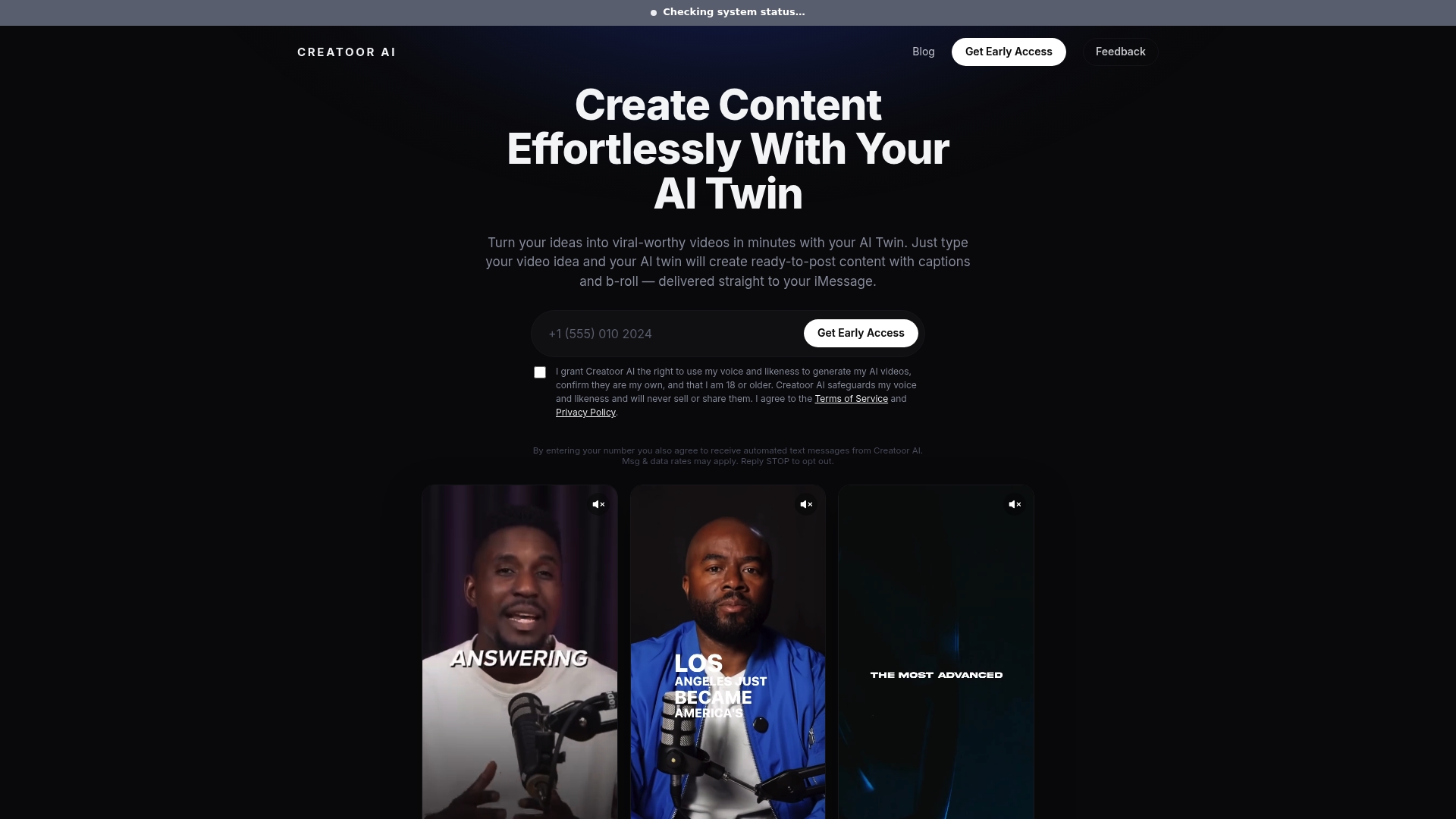
Creatoor AI can turn your photos, a short voice clip, and a text prompt into a talking avatar delivered over SMS or iMessage. The service emphasizes strict privacy and says it does not sell or share your voice or likeness. This makes quick personal videos easy to produce and distribute through familiar messaging apps.
Core Features
Creatoor AI generates avatar videos from a photo, voice recording, and text prompt, then sends the finished clip via SMS or iMessage. The service adds captions and optional B roll to the output and offers a small allotment of free videos before subscription options appear. Creatoor AI also states that user content is not used for model training and that licenses can be revoked by the owner.
Key Differentiator
Creatoor AI centers on privacy. The vendor advertises that voice and likeness remain exclusive to content creation and are not shared or sold externally. That focus narrows the product to creators who value personal control over biometric data rather than teams who need heavy customization or multiepisode continuity.
Pros
Strong privacy rules make Creatoor AI suitable for creators who must protect their image and voice. Delivery via SMS and iMessage reduces distribution friction and gets content directly to followers without forcing a separate publishing workflow. The interface prioritizes speed and simplicity so individuals can produce short social clips without learning complex editing software. Ownership and license revocation give users a clear exit path for their biometric material.
Cons
-
Video output quality and available customization are limited compared with full video editors. This may show in lighting, background handling, or lip sync.
-
The tool is aimed at personal use rather than professional campaigns. It lacks enterprise features such as team seats, asset libraries, or batch production.
-
Messaging delivery restricts some publishing workflows. If you need direct platform uploads or advanced postproduction, this tool will not cover those steps.
When It May Not Fit
If you produce episodic content with consistent characters across many episodes, Creatoor AI will feel too narrow. If your workflow needs API access, team roles, or high-end visual customization, choose a platform built for production scale. Also avoid it if you require direct uploads to video platforms from the tool.
Who It’s For
Individuals who want quick personalized videos and who place a premium on keeping their voice and likeness private will find this product a practical choice. It suits freelance creators, influencers who message fans directly, and people who favor low effort over extensive visual control.
Real World Use Case
A freelance content creator records a short greeting and snaps a headshot. They send both plus a caption prompt to Creatoor AI, receive a captioned avatar video via SMS, and post it to stories and direct messages within an hour. The creator keeps the original files and can revoke the usage license if they decide to stop using the service.
Website: https://creatoorai.com
vosu.ai
At a Glance
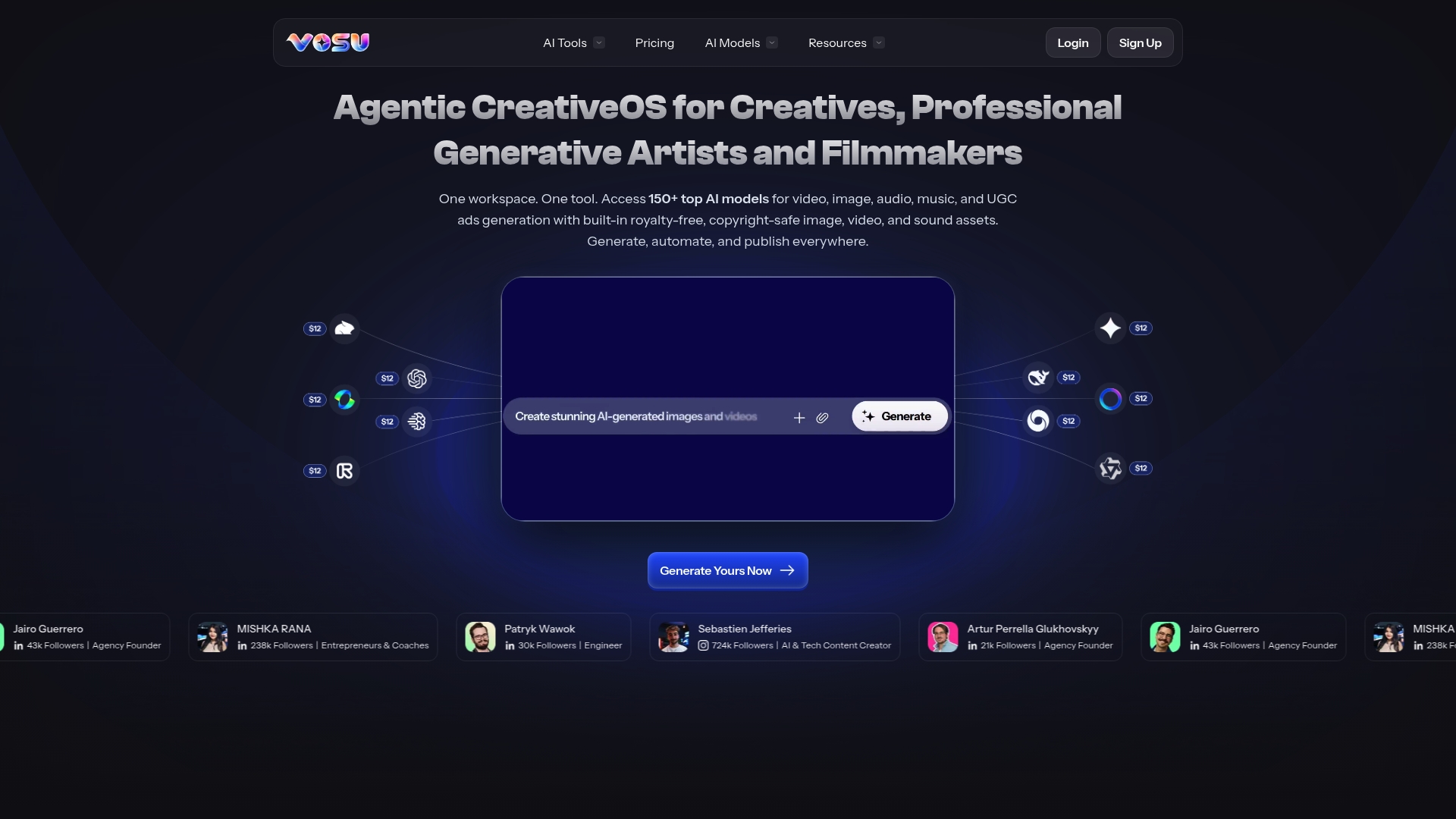
More than 150 AI models are available inside a single creative workspace. That breadth covers video, image, audio, music, and user generated ad formats. The tool targets creatives, filmmakers, and business owners who need fast, high quality content without heavy editing.
Core Features
The editor gives access to a library of 150+ models and built in royalty free assets for multimedia production. Key tools include Face Swap, AI Video, and animation utilities that turn still images into motion. Workflows link script to visuals so teams can generate, automate, and publish without leaving the workspace.
Key Differentiator
Vosu.ai concentrates its full model library inside a single organized workspace tailored to creative professionals. That structure keeps characters, assets, and project steps together rather than scattering them across separate apps. Producers working on serialized ads or short cinematic pieces will save time because fewer handoffs are required.
Pros
The platform’s voice cloning and lip syncing are strong, which reduces recording overhead for localized versions. The interface remains approachable for creators without deep editing skills while retaining controls that professionals expect. Bundled assets and multi format exports speed production and help agencies scale small campaigns quickly.
Cons
-
Expensive and non transparent pricing creates uncertainty for teams planning recurring production.
-
The credit system can feel confusing and limits frequent creators who do not understand consumption patterns.
-
Some voices still sound artificial and some translations process slower than expected, which affects final polish.
-
A number of users reported the free to paid transition felt misleading, which damages trust for new customers.
When It May Not Fit
If you run a tight monthly budget, the opaque pricing and credit model may rule Vosu.ai out. If your projects demand flawless human naturalness for every voice, occasional artifacts could be unacceptable. Large studios that need enterprise billing or audited guarantees should confirm available enterprise features before committing.
Who It’s For
Solo creators, small agencies, and small business owners who need rapid multimedia outputs will find value. Creators making social videos, short ads, or cinematic clips benefit from the model library and bundled assets. Filmmakers experimenting with face swaps or image to animation tools will also appreciate the consolidated workflow.
Real World Use Case
A marketing agency can use Vosu.ai to produce localized ad variations quickly. They replace voices with cloned local voices, swap faces for regional talent, and export multiple aspect ratios for each channel. That approach reduces shoot time and cuts freelance editing costs on short campaigns.
Pricing
Pricing is not publicly listed and appears informational only. Vendor commentary and user reports reference a credit based model and a higher cost compared with simple editors. Contact sales for a custom quote and request clear credit consumption examples before committing.
Website: https://vosu.ai
Rekreate AI
At a Glance
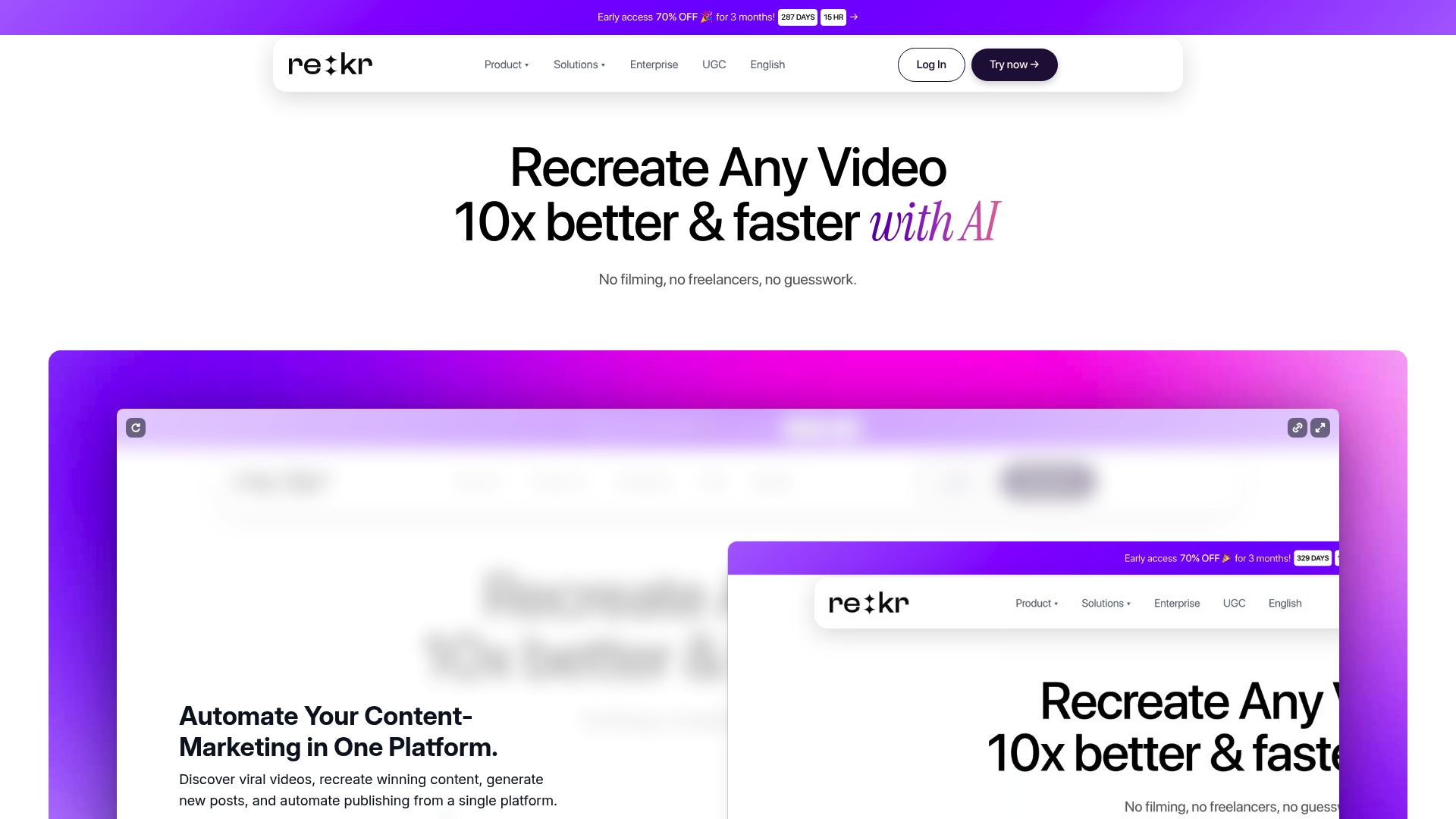
User reviews say Rekreate AI often feels like a minimum viable product and that features sometimes miss marketing promises. The platform promises fast recreation of trending short videos without filming. That gap between promise and polish shapes how you should evaluate the tool.
Core Features
Rekreate AI combines AI-powered video recreation and editing, script rewriting, and content optimization to convert existing clips into platform-ready shorts. The product includes AI-generated avatars and voices, trend analysis for idea discovery, and automated publishing and scheduling for TikTok, Instagram, and YouTube Shorts. These capabilities aim to reduce the time you spend on filming and manual edits.
Key Differentiator
Rekreate AI centers its workflow on AI-driven trend analysis and automated video creation inside a single interface. That focus seeks to surface viral hooks and automatically adapt edits to platform formats. The unified approach targets creators who want to iterate on trends quickly rather than build original productions from scratch.
Pros
The platform can accelerate volume production when the automation chain behaves as expected. Support for multiple languages and formats lets teams test hooks across markets without translating scripts manually. The option to use AI avatars and voices helps producers create faceless content fast. Built-in scheduling and auto-publishing remove a common manual step when you run many short-form variations.
Cons
- User reviews say the product feels underdeveloped and unstable. This affects reliability when you deploy at scale.
- Several features reportedly fall short of advertised capabilities, which makes planning risky for client work.
- Search and filtering capabilities are limited, so finding past clips and assets can be slow.
- Training materials appear outdated or confusing, which raises onboarding time for new team members.
When It May Not Fit
Do not pick Rekreate AI if you need rock-solid reliability for client deliverables. The product is a poor choice when complex asset management and precise filtering matter. Agencies that require polished support documentation or guaranteed feature sets should look elsewhere.
Who It’s For
Rekreate AI fits creators, small marketing teams, and agencies that prioritize rapid trend testing over handcrafted production values. Use it when you need many short-form variations fast and can tolerate occasional glitches. Avoid it if your workflow demands enterprise reliability or deep asset governance.
Real World Use Case
A marketing agency uses Rekreate AI to generate multiple TikTok variations from a single viral template. The team rewrites hooks, swaps avatars, and schedules several A B tests to measure which script gains traction. This approach saves shoot days and lets the agency test creative hypotheses quickly.
Pricing
Pricing is not publicly listed. The product data marks pricing as not applicable and informational only, so contact Rekreate AI for current plans and enterprise options.
Website: https://rekreate.ai
Comparison of alternatives
Iguanify provides a distinctive advantage in episodic video production by delivering fully automated workflows that preserve character consistency and simplify production processes. Here, we evaluate its relative strengths compared to several popular options in the market.
Automation and flexibility
Iguanify stands out for its ability to produce episodes from premises, maintaining continuity across characters and themes, and avoiding the manual interventions required by platforms like Rekreate AI or vosu.ai. For instance, while Rekreate AI offers efficient trend-based video iteration, it lacks the same depth of narrative integration seen in Iguanify’s system.
Targeted utility and integrations
D-ID surpasses its peers in providing customized enterprise-level solutions, such as real-time conversational agents and API integrations. These capabilities make it an attractive option for organizations focusing on interactive training or multilingual content, a feature absent in services such as Creatoor AI, which prioritizes personal video distribution via messaging platforms.
Best fit
- Producers of serialized video content seeking automation and narrative consistency should favor Iguanify.
- Organizations that prioritize interactive, real-time avatar-based solutions with multilingual support should consider D-ID.
- Privacy-conscious individuals aiming to create avatar videos for direct-for-messaging platforms will find the option of Creatoor AI particularly compelling.
- Agencies and teams looking to integrate multimedia production with advanced automation can leverage vosu.ai for streamlined campaigns.
- Marketing teams testing rapid short-form variations with trend-focused AI should explore Rekreate AI for its specific strengths.
Our pick
For creators focusing on episodic storytelling with automation, Iguanify is the solution due to its unique combination of automation and content ownership features. However, users aiming for real-time interactive avatars or multimedia campaigns might explore specialized options like D-ID or vosu.ai to better meet those requirements.
Identify the best platform for episodic video automation catering to your specific creative or professional needs.
| Platform | Key Feature | Best For | Pricing | Primary Limitation |
|---|---|---|---|---|
| Iguanify | End-to-end automated production of serialized episodes | Content creators focusing on serialized video | $34.99 per episode | Advanced storytelling features in development |
| D-ID | Real-time multilingual AI video agents | Enterprise-level global deployment | Price not published | High subscription and usage costs for enterprises |
| Crreo | Long-form video creation up to 30 minutes | Educators and storytelling creators | Free and premium plans with tiers | API access and third-party integrations not offered |
| Creatoor AI | Personalized videos from voice and image inputs | Indie creators prioritizing privacy | Limited free; additional via subscription | Limited customizability and professional options |
| vosu.ai | Unified library of 150+ models for multimedia | Small agencies producing rapid multimedia content | Price not published | Non-transparent pricing and confusing credit structure |
| Rekreate AI | AI-powered trend-driven short videos | Small marketing teams targeting viral content | Price not published | Perceived lack of stability and underdeveloped features |
How to Overcome Episodic Video Production Challenges with Iguanify
Creating consistent characters and maintaining story continuity across multiple video episodes is a common hurdle for publishers and content creators exploring synthesia alternatives. Many AI tools only deliver rough drafts, leaving you with heavy editing work to fix continuity errors. Iguanify addresses this pain point by automating the entire episodic production process from a single premise while preserving recurring cast appearances. This cuts down production time and helps you keep viewers engaged through a cohesive viewing experience.
If you want to produce fully finished, publish-ready episodes without hiring a full production team, Iguanify simplifies your workflow. You own all created content and can publish directly to platforms like TikTok and YouTube. Learn how Iguanify’s episodic video automation can bring your serialized ideas to life faster and more efficiently.
FAQ
How does Iguanify support episodic video creation?
Iguanify automates the scriptwriting process, turning a single premise into a fully finished episode. This feature allows users to produce polished content quickly, with a focus on maintaining character consistency across episodes.
What is the difference between Iguanify and D-ID?
D-ID excels in real-time streaming and creating conversational agents for interactive sessions. In contrast, Iguanify is designed for full automation of episodic video production, focusing on preserving story continuity and character appearances across series.
Can I publish Iguanify episodes directly on social media?
Iguanify supports direct publishing to platforms like TikTok, YouTube, and Instagram. This feature simplifies sharing content on multiple social media channels without the need for additional editing.
What is the pricing structure for Iguanify episodes?
Iguanify offers episodes at approximately $34.99 each, allowing users to purchase one-time credit packs without requiring subscriptions. This payment model provides flexibility for publishers looking to produce episodic content.
Who should consider using Iguanify for their video projects?
Iguanify is ideal for content creators, community page owners, and media entrepreneurs who want to produce serialized video content quickly and retain full ownership of their intellectual property. This focus on rapid output makes it a valuable tool for those testing episodic concepts.