 IGUANIFY
Top 4 Lumen5 Video Production Alternatives 2026

Producing serialized video episodes quickly while keeping narrative and character continuity usually eats up resources and time. Most tools force creators to stitch together multiple apps, lack end-to-end automation, or lock essential features behind subscriptions or steep onboarding requirements. This comparison outlines pricing, automation level, and workflow fit across four leading episodic video production platforms so you can choose one that matches your release schedule and budget.
Table of Contents
Iguanify
At a Glance
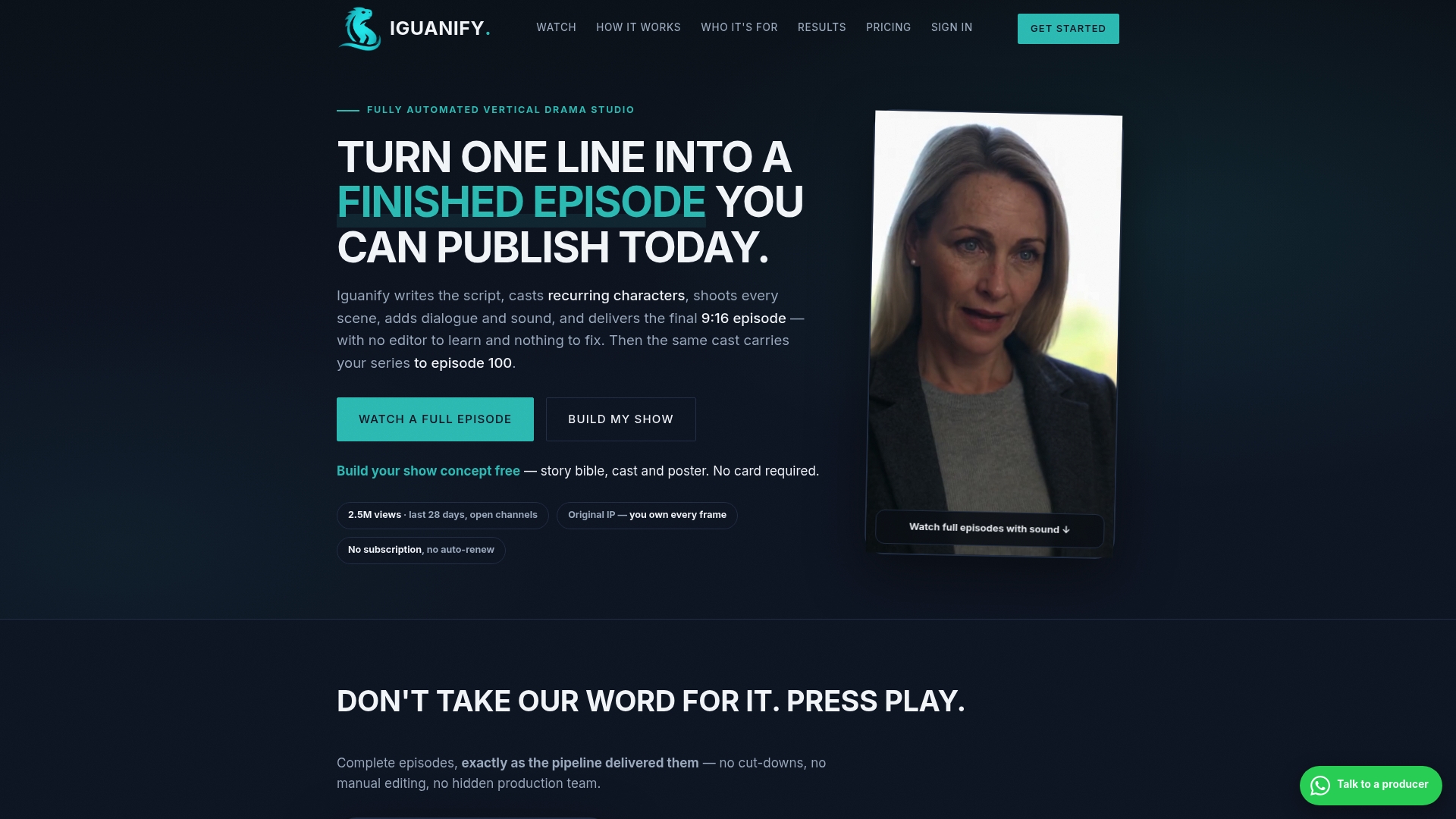
Produces full episodes end to end in approximately 60–90 minutes. The system turns a user premise and genre into a ready-to-publish serialized vertical drama. It delivers recurring characters and series bibles so episodes keep narrative continuity across seasons. Creators receive commercial rights for each episode or season.
Core Features
Iguanify automates script writing, casting, shooting, sound, and editing into a single production flow so you do minimal manual work. The service generates series bibles, recurring cast profiles, and promotional posters at no extra cost. Episodes are optimized for short form vertical platforms and arrive ready to publish.
Key Differentiator
The platform claims to be the only tool that automates micro drama production end to end while keeping a consistent cast and storyline across episodes. That continuity removes the continuity editing load that normally follows episodic projects. It also frees creators from assembling a production team or arranging actors for recurring roles. The continuity focus is the feature most likely to change how serials scale for small teams.
Pros
Iguanify requires little input beyond a premise and genre, which speeds production for creators who publish frequently. The vendor advertises millions of views on published productions. That claim suggests the format can perform at scale when creators publish consistently and optimize distribution. Users keep ownership of the IP for produced episodes, so licensing and monetization stay with the creator. The pay per episode model and no episode caps support long season runs without subscription commitments.
Cons
- Output quality may still be evolving for complex scenes or high production value sequences.
Who It’s For
Creators and publishers who want serialized vertical drama without filming or a production crew will get the most from Iguanify. It suits faceless short drama producers and page owners who publish daily serials. Regional publishers who need localized formats with recurring characters will also find the workflow useful.
Unique Value Proposition
By delivering finished episodes in about 60–90 minutes while granting full commercial rights per episode or season, Iguanify reduces production overhead and legal complexity. That combination lets you test serial formats fast. You can produce and publish daily or weekly episodes without hiring cast or editors. The credit model also keeps costs variable rather than fixed.
Real World Use Case
A channel owner launches a 24 episode crime drama and publishes daily to TikTok and YouTube. The owner uses the recurring cast and series bible to keep continuity across episodes. All IP stays with the creator so they can monetize and repurpose the series.
Pricing
Pricing follows a Pay per episode model with no subscription required. Standard episodes are around $34.99, and launch offers list the first episode near $17.50. Season packs and multi episode credits are available, and credits never expire.
Website: https://iguanify.com
VosuAI
At a Glance
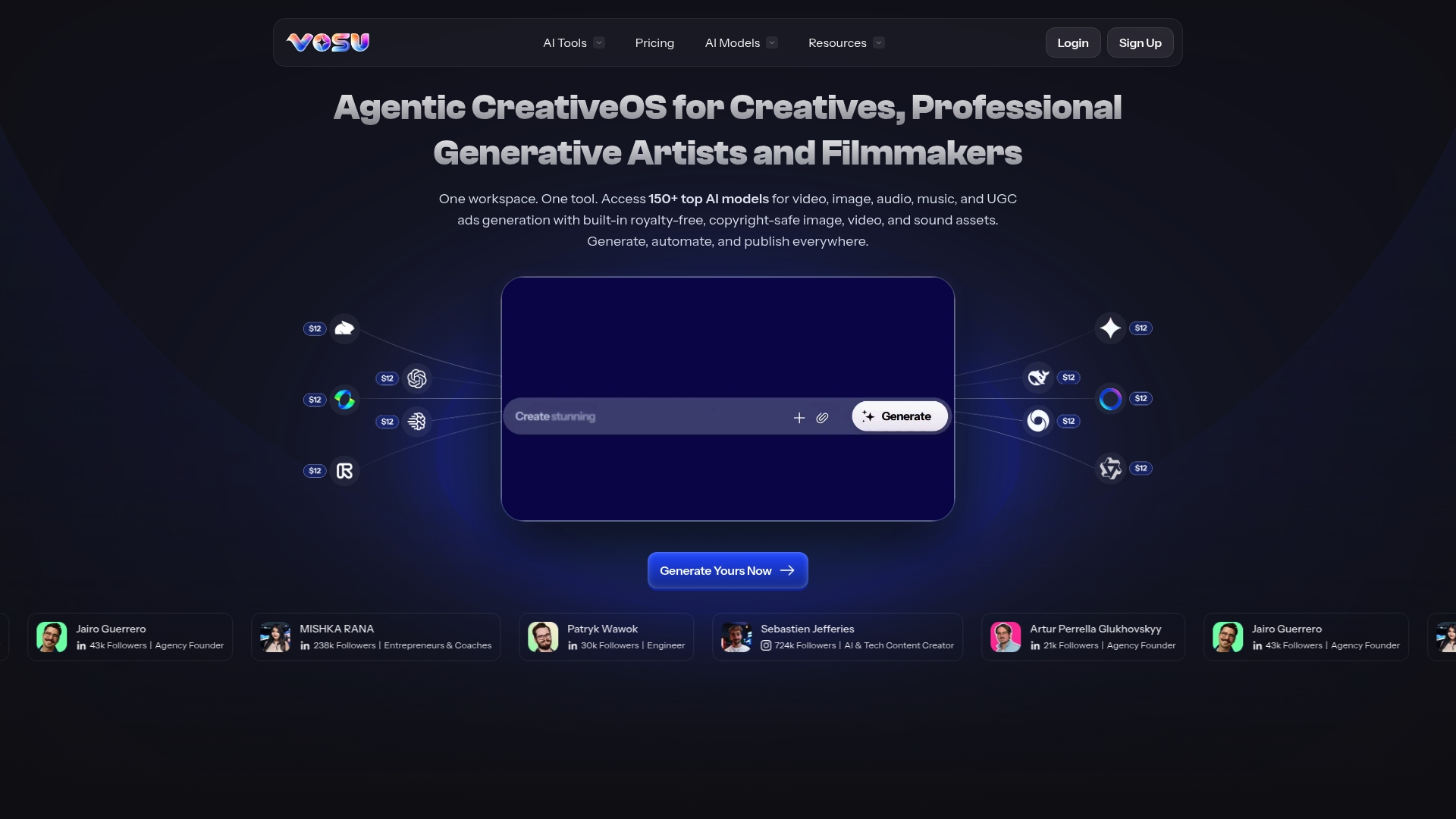
VosuAI reports access to over 150+ AI models covering video, image, audio, music, and UGC ad generation. The platform packages those models inside a single creative workspace that removes the need for editing skills. That combination aims to let creators produce videos, images, and audio from prompts and templates quickly.
Core Features
VosuAI gives a unified workspace for content creation, automation, and publishing, with templates and toolkits for rapid output. It supports face swap in photos and video, converts text or images into cinematic video, and turns stills into fluid animations. The system also generates realistic 4K images, accepts multiple reference inputs for higher creative accuracy, and offers tools for age progression, hair change, photo restoration, scene change, and YouTube thumbnail creation.
Key Differentiator
That reported model count sits behind a single organized workspace aimed at nontechnical creators. Instead of juggling separate model providers, you get a catalog of generative tools in one place and a template gallery to accelerate production. The combination of multi modality models and plug‑and‑play templates defines its practical angle.
Pros
VosuAI reduces tool switching by keeping generative video, image, and audio in one workspace, which speeds up short form content production. The interface targets nontechnical creators, so people without edit experience can assemble a clip from text or images. A broad model set and a template gallery let you test visual ideas quickly, and features like face swap and multi reference inputs help match a specific aesthetic or brand look.
Cons
- Third‑party reviews indicate very low user engagement and trust scores, which raises questions about reliability.
- Limited independent feedback makes it hard to judge long term stability or support quality.
- The product is not presented as suitable for enterprise scale or for highly specialized production pipelines.
When It May Not Fit
Avoid VosuAI if your team requires verified enterprise support, formal service level agreements, or audited security controls. Large agencies that need predictable output rates and detailed workflow integrations will likely find gaps. If you depend on proven vendor references and high trust scores for procurement, this option may not meet those requirements.
Who It’s For
VosuAI fits creative professionals, solo content creators, filmmakers, and social media marketers who want generative tools without learning a traditional editor. It also suits creators who test visual concepts quickly and rely on templates to maintain posting cadence. Teams that need strict enterprise vetting are not the primary audience.
Real World Use Case
A social media influencer uses VosuAI to turn short scripts and images into 30 second clips for Instagram and TikTok. They pick a cinematic template, add reference images, apply face swap where needed, and export ready to post media without external editing. The workflow cuts the number of separate apps needed to produce a single asset.
Pricing
Pricing is not publicly listed on the vendor site. The platform appears to use paid plans, but exact tiers, seat counts, and per asset costs are not published. Contact VosuAI sales for current plan details and volume discounts.
Website: https://vosu.ai
AI Video Maker

At a Glance
Unlimited free drafts are available in 480p with a watermark. Paid plans remove the watermark, add HD rendering, and grant commercial rights. Third-party user reviews show generally poor user sentiment and frequent complaints about quality or support.
Core Features
AI Video Maker converts text or images into videos and supports character control and special effects. The editor handles multiple formats, upscaling, extension of clips, sound additions, and advanced trimming. It also provides tools to maintain character consistency across scenes and reuse assets. Rendering options include a free 480p draft and paid HD exports.
Key Differentiator
Its standout feature is the offer of unlimited free drafts with a watermark, which lowers the trial barrier for iterative creators. The vendor positions affordable upgrade paths to HD and commercial rights for creators ready to publish. That approach suits creators who want to test many ideas before committing to paid credits.
Pros
The feature set covers text to video, image to video, character consistency, and a full set of editing tools. A free tier lets you prototype dozens of ideas without cost, which helps tight budgets. Paid plans include commercial usage rights, multiple resolutions, and faster rendering for higher volume work. For teams, the platform lists options for concurrent jobs and extra credits on higher tiers. Commercial rights in paid tiers remove licensing barriers for small businesses.
Cons
-
User reviews report low satisfaction and inconsistent output quality.
-
Limited third-party positive endorsements make trust harder for agencies and clients.
-
Possible reliability problems and slow or unhelpful customer support appear in user feedback.
-
Watermark on free drafts restricts content reuse until you upgrade.
When It May Not Fit
Avoid this tool if you need rock solid, consistent output for client deliverables. Also skip it if reliable vendor support and quality guarantees are non-negotiable for your team. The reported dissatisfaction suggests the platform may not suit high stakes campaigns. Agencies handling long term brand work will likely require stricter quality controls.
Who It’s For
Solo creators and small marketing teams with limited budgets will find the pricing structure attractive. Educators producing quick explainers can use the free tier for classroom content and demos. Small businesses that accept some quality variance for lower cost may also benefit. Users who want to iterate on many concepts before committing to spend will appreciate the unlimited drafts.
Real World Use Case
A small marketing agency uses AI Video Maker to spin up social media ads quickly without studio costs. They draft multiple concepts in 480p, pick the best, then pay to upgrade that clip to HD for client review. This reduces pre production time and lowers upfront spend compared with hiring a studio. Once a concept wins, the agency purchases extra credits to render multiple platform versions.
Pricing
A free tier offers watermarked 480p drafts. Premium plans start at $49.99/quarter for individuals, with higher tiers offering more credits and concurrent jobs. Commercial rights are included in paid plans.
Website: https://aivideomaker.ai
At a Glance
Videos arrive directly via SMS, sent to recipients as AI avatar clips built from a photo and a voice sample. The platform calls those avatars AI Twins, which you control and can delete, so the delivery model focuses on quick, phone‑first sharing for casual or social messages.
Plainlyvideos
At a Glance
Templates render in the cloud up to 4K and can batch generate thousands of variations from a single After Effects template. The platform connects CSV files and APIs to templates and previews videos before final rendering. Plans start at $69/month with custom enterprise options and a free trial.
Core Features
Upload After Effects templates and map fields to layers using the platform’s layer scripting and dynamic element detection. Connect CSV files, APIs, or native integrations to feed personalized text, images, and audio for localization. Render outputs in the cloud up to 4K, preview results, batch generate thousands, and control output formats via the API.
Key Differentiator
Plainlyvideos ties native After Effects template editing directly to a rendering infrastructure in the cloud. That pairing lets teams use advanced After Effects features while automating high volume production. The focus on template fidelity and scale suits teams that must preserve motion quality at volume.
Pros
Full After Effects compatibility preserves complex motion work and layer expressions during automated renders. A robust API and team features let developers plug the platform into existing pipelines. Rendering in the cloud supports high output volume and flexible resolutions up to 4K.
Cons
- Limited independent reviews make real user sentiment hard to gauge.
- Pricing scales and may become costly for large enterprise rendering needs. Plans move to custom above entry tiers.
- Creating templates requires After Effects knowledge, which raises onboarding effort for teams without that skill.
When It May Not Fit
If your team lacks After Effects skills, adoption will require training or hiring motion designers. If you need a social video tool that generates original characters and cross episode continuity, the template driven approach may miss the mark.
Who It’s For
Marketing agencies, in house creative teams, and tech companies that produce many personalized videos will get the most value. Teams that need precise After Effects motion work and API automation are the best fit for this platform. Publishers who localize content across markets will also benefit from batch generation and localization swapping.
Real World Use Case
A marketing agency uploads an After Effects template, maps spreadsheet fields to layers, and renders hundreds of personalized sales clips in the cloud. The workflow preserves complex motion and cuts manual exports that would otherwise cost hours per video.
Pricing
Plans start at $69/month for small teams and include a free trial. Enterprise pricing is custom and offers higher capacity and unlimited options at top tiers.
Website: https://plainlyvideos.com
Comparison of Alternatives
Producing engaging episodic video content often requires balancing the depth of storytelling with efficient workflows. Among the reviewed options, Iguanify excels by offering creators automation of serialized dramas, complete with narrative continuity and recurring characters, making it distinctly valuable for publishers focused on serialized formats.
High-Volume Rendering vs. Serialized Storytelling
While Iguanify automates episodic drama narratives, Plainlyvideos dominates in high-volume video rendering workflows. Supporting After Effects templates and CSV input integration, Plainlyvideos allows marketing teams to efficiently create large batches of personalized videos, a domain outside Iguanify’s episodic production focus.
Single Workspace Tools for Creative Flexibility
VosuAI provides creators with a unified workspace that integrates tools for video, image, and audio generation, topped with features like face swapping and animated stills. While Iguanify targets narrative-driven content with consistent characters, VosuAI offers versatility for asset creation across media types, appealing to marketers and influencers who favor rate of production over episodic depth.
Best Fit
- Serialized creators needing narrative continuity for micro-dramas will find Iguanify indispensable, combining narrative tools and production speed for streamlined episodes.
- Social media influencers requiring versatile creative assets may prefer VosuAI’s multi-modal workspace that excels in diverse content generation.
- Agencies needing personalized mass-production video campaigns will benefit from Plainlyvideos’ CSV and API-driven automations, which simplify personalization tasks.
- Educators and small creative teams seeking cost-free prototyping can leverage AI Video Maker’s unlimited draft feature for preliminary iterations.
- Short-form makers focused on high-efficiency pipeline creation for personalized assets could integrate Plainlyvideos for scaling operations.
Our Pick
For creators prioritizing serialized video content and narrative consistency, Iguanify stands out as the definitive tool. Its specialization in producing end-to-end episodes with durable commercial rights and recurring character arcs addresses the needs of publishers and creators managing frequent serial outputs. However, agencies and marketers with primary goals tied to rendering volume or asset versatility should consider alternatives like Plainlyvideos or VosuAI.
Identifying the optimal platform for episodic video production depends on factors like automation features, ease of use, and scalability.
| Platform | Key Feature | Best For | Pricing | Limitation |
|---|---|---|---|---|
| Iguanify | Full automation of episodic drama production | Frequent serialized content creators | From $17.50 per episode | Quality may evolve for complex or high-production scenes |
| VosuAI | Unified workspace for multi-modal content creation | Solo marketers and influencers | Price not published | Questionable user trust and limited independent reviews |
| AI Video Maker | Free 480p drafts with watermark | Budget-conscious media experimenters | $49.99/quarter | Reported low user satisfaction |
| Plainlyvideos | Cloud rendering with AE template integration | Agencies requiring personalized video batches | From $69/month | Relies on After Effects expertise |
Why Video Continuity Matters When Exploring Lumen5 Alternatives
A common challenge with many AI video platforms is maintaining consistent characters and storylines across episodes. For creators focused on serialized vertical drama, this hurdle causes extra editing and disrupts viewer retention. Iguanify offers a solution that produces full episodes in 60 to 90 minutes while preserving narrative continuity through recurring characters and series bibles. This removes the burden of assembling a production crew or managing continuity after filming.
Creators who want to publish regularly on TikTok or YouTube keep full ownership of their IP and get commercial rights with each episode. If you need a tool designed for faceless short drama or regional publishers requiring localized formats, learn more about how Iguanify simplifies serial content production and rights management. Check out Iguanify’s features and see how it helps you build episodes with minimal input from just a premise and genre.
FAQ
How does Iguanify support quick episodic video production?
Iguanify efficiently generates episodic videos in approximately 60–90 minutes. By automating script writing and production processes, it allows creators to publish content rapidly while maintaining quality. You can start producing serialized dramas without lengthy setups.
What is the difference between Iguanify and VosuAI?
VosuAI provides access to over 150+ AI models for various creative tasks, focusing particularly on video, image, and audio content creation. Iguanify, on the other hand, is specifically tailored for episodic video production with a strong emphasis on narrative continuity and character development. This makes Iguanify a better fit for creators focusing on serialized storytelling.
Can I use Iguanify if I have a limited budget for episodic productions?
Iguanify operates on a pay-per-episode model with episodes around $34.99, and the first episode often available at $17.50. This pricing structure allows creators to manage costs effectively without committing to a subscription service. You can produce high-quality episodic dramas while staying within budget constraints.
How does Iguanify handle character consistency in serials?
Iguanify automatically generates recurring character profiles and series bibles, ensuring continuity across episodes. This feature simplifies the storytelling process for creators and reduces the need for extensive editing later. You can seamlessly build on your narrative as new episodes are produced.
What are the limitations of using Iguanify for episodic video content?
While Iguanify excels in speed and automation, the output quality may still be evolving for complex scenes. This could affect projects seeking high production values in intricate narratives. Still, it remains a solid choice for creators focused on quick and efficient episodic productions.